Menu Setting Tree
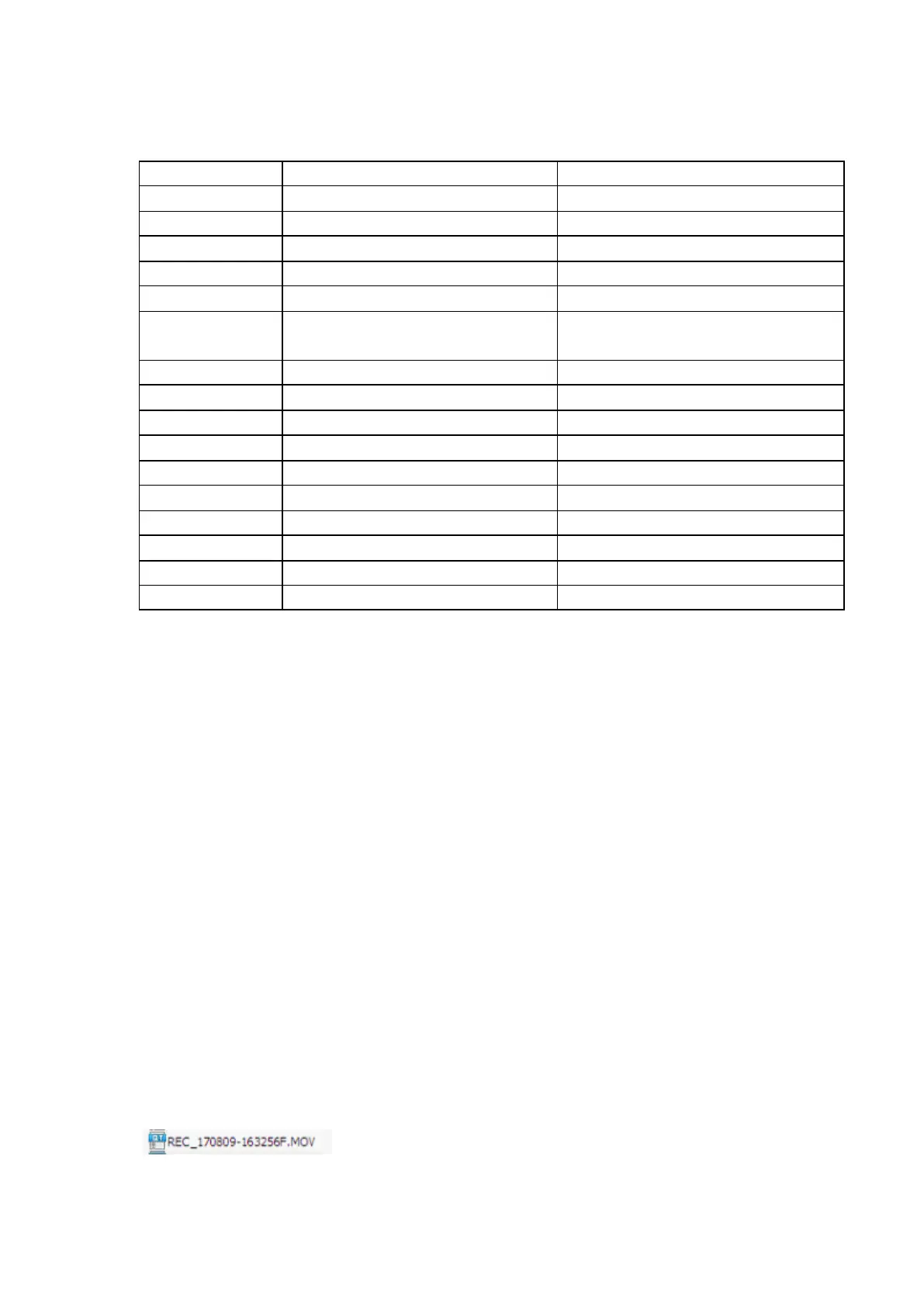
Refer to the table below for details on menu setting items and available menu setting options.
1080P 30fps/720P 30fps/720P 60fps
None / YYYY MM DD /MM DD YYYY/ DD
MM YYYY
Set the G-sensor sensitivity
Select the corresponding time zone
Use GPS to set the time zone
Delete all data in the card
Display remaining recording time
Display remaining recording time
Check the firmware version
Check the firmware version
NOTE: Settings may change without prior notice.
6.3 Playback
1) Playback on mobile device
Wi-Fi: Connect to your DVR with Wi-Fi APP (Android & iOS), you can easily play back videos
through your mobile device.
OTG: Plug the micro SD card into your mobile device with an OTG card reader (need your
mobile device support OTG). You will find FRONT and REAR video file folder when you
access the memory card and then select the video you want to play.
2) Playback on dash cam
In playback mode, press ‘Up/Down’ to select the video file, and then press ‘Menu/OK’ button
to play/stop the video you choose.
3) Playback on PC
Plug the micro SD card into an available USB port on your PC with a USB card reader. You
will find FRONT and REAR video file folder when you access the memory card and then
select the video you want to play.
You can get some information from the video file name:
“REC” means normal video file


 To Next Page