Getting started
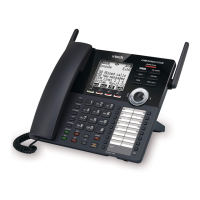
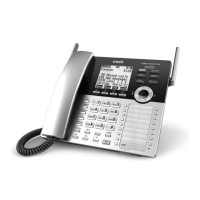
Deskset overview
10
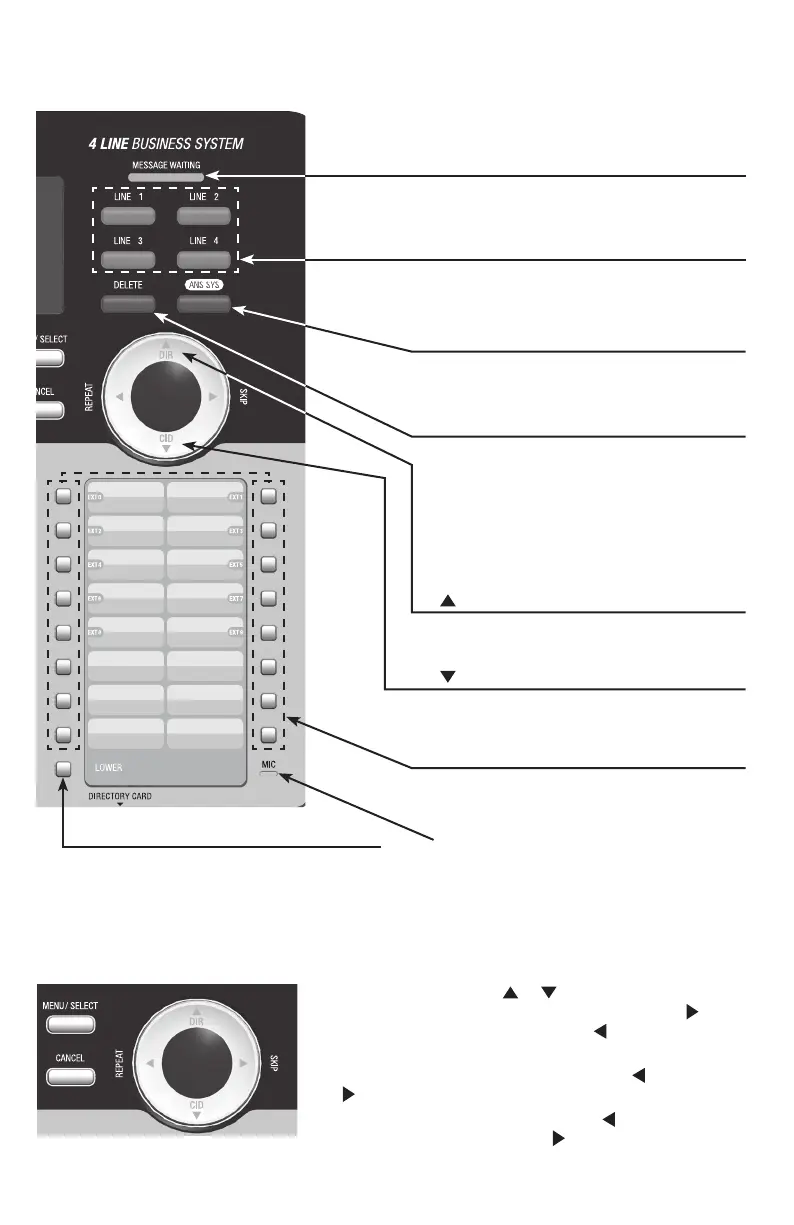
Navigation keys
• While in menus, press or to scroll through the
menus, highlight items or change settings. Press /SKIP
to enter the selected item, or press /REPEAT to return
to the previous menu.
• While entering names or numbers, press /REPEAT or
/SKIP to move the cursor to the left or right.
• While playing back messages, press /REPEAT to
repeat the message, or press /SKIP to skip to the next
message.
LINE 1-LINE 4 keys
• Press to make or answer a call on the
desired line.
ANS SYS
• Press to enter the answering system
menu.
MESSAGE WAITING indicator
• On when there are new messages in
the private mailbox.
DELETE
• While playing a message, press to
delete the message.
• While reviewing the caller ID
information, press to delete an
individual entry.
• While predialing, press to delete digits.
Getting started
Deskset overview
Speed dial keys
• Press to dial the desired speed dial
number.
/DIR
• Press to view directory information.
/CID
• Press to view caller ID information.
MIC
LOWER
• When assigning or dialing a speed dial
number, press to switch to the lower
location (the second 16 locations) of a
speed dial key.



 To Next Page