EN - 12
Handset Registration
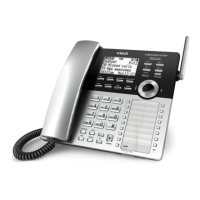
Your cordless handset is preregistered to the
base station. You do not need to register your
cordless handset.
You can register additional cordless
handsets to the base station. The Base
station accommodates up to four CTM-C4402
cordless handsets.
1. On the base station, press the FIND
HANDSET button for four seconds, then
release the button. Both LEDs on the base
station begin to flash.
2. On the cordless handset, press the key
sequence: 1 2 3 MUTE.
When the registration process completes,
the MESSAGE WAITING LED flashes
once, and you hear three rising beeps as
confirmation.
Handset Deregistration
1. When a registered cordless handset is
idle, press the key sequence:
3 3 1 7 3 4 # MUTE.
When the deregistration process
completes, you hear a confirmation tone.
2. To reset the cordless handset to factory
settings, press the key sequence:
8 8 3 2 4 7 # MUTE.



 To Next Page