www.vtechphones.com
23
Basic operation
Telephone settings
Ringer melody
There are options for ve ringer melodies. There will be a sample of each ringer
melody when scrolling through the choices.
• When in the
RINGER MELODY menu, a sample of the current ringer melody
is played.
• Press the softkey
or to change the ringer melody. A sample of that ringer
melody will be played.
• Press the
SET softkey when nished setting, and there will be a conrmation
tone.
Telephone settings
Base settings
Ringer volume
There are options for ve levels of volume. There will be a sample of each
ringer volume when scrolling through the choices.
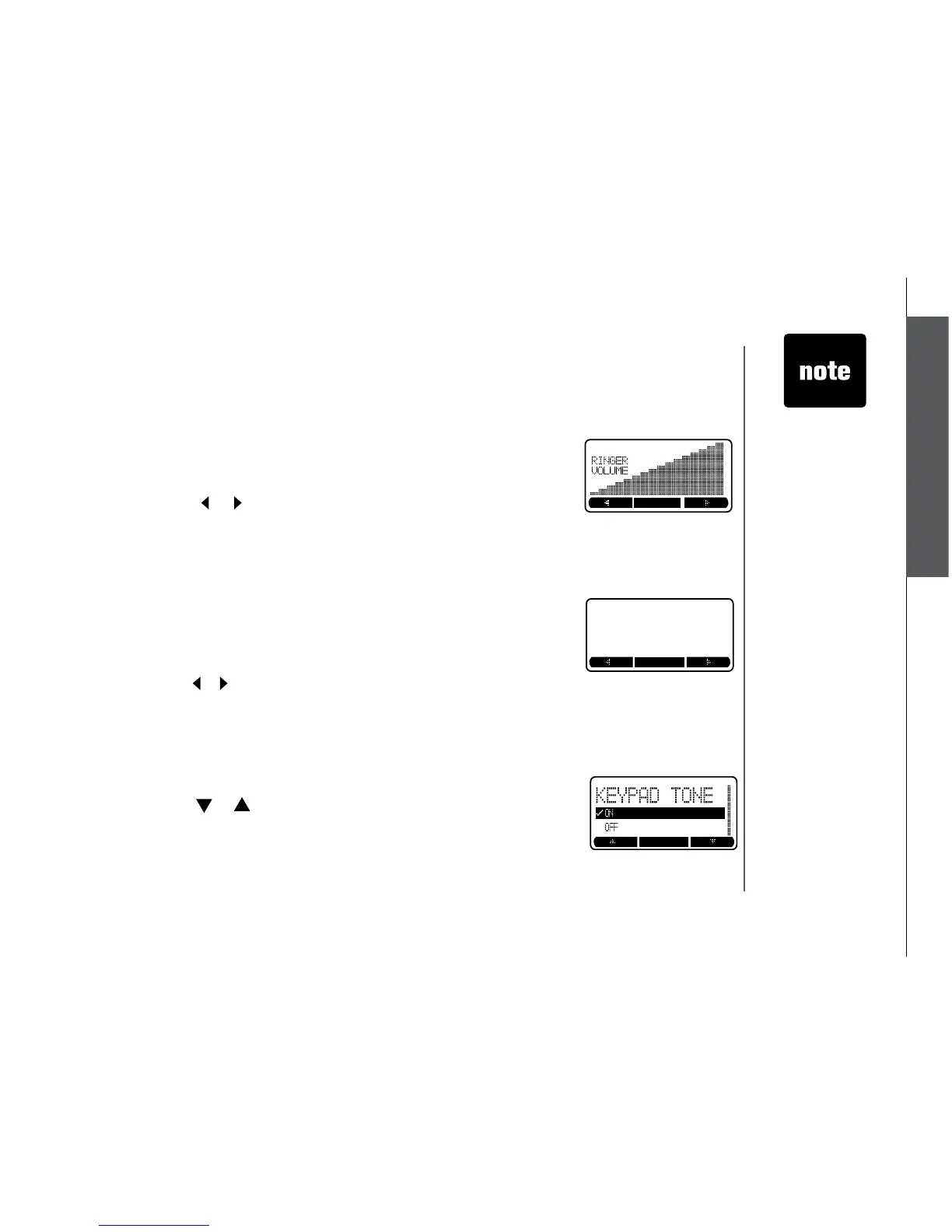
• When in the
RINGER VOLUME menu, the current ringer volume is displayed
by the shaded bar.
• Press the softkey
or to change the ringer volume. A sample of that
volume level will be played.
• Press the
SET softkey when nished setting, and there will be a conrmation
tone.
Keypad tone
• When in the
KEYPAD TONE menu, the current choice is highlighted.
• Press the softkey
or to toggle between ON or OFF.
• Press the
SET softkey when nished setting, and there will be a conrmation
tone.



 To Next Page