www.vtechphones.com
25
Basic operation
Basic operation
Make, answer, and end calls with the handset
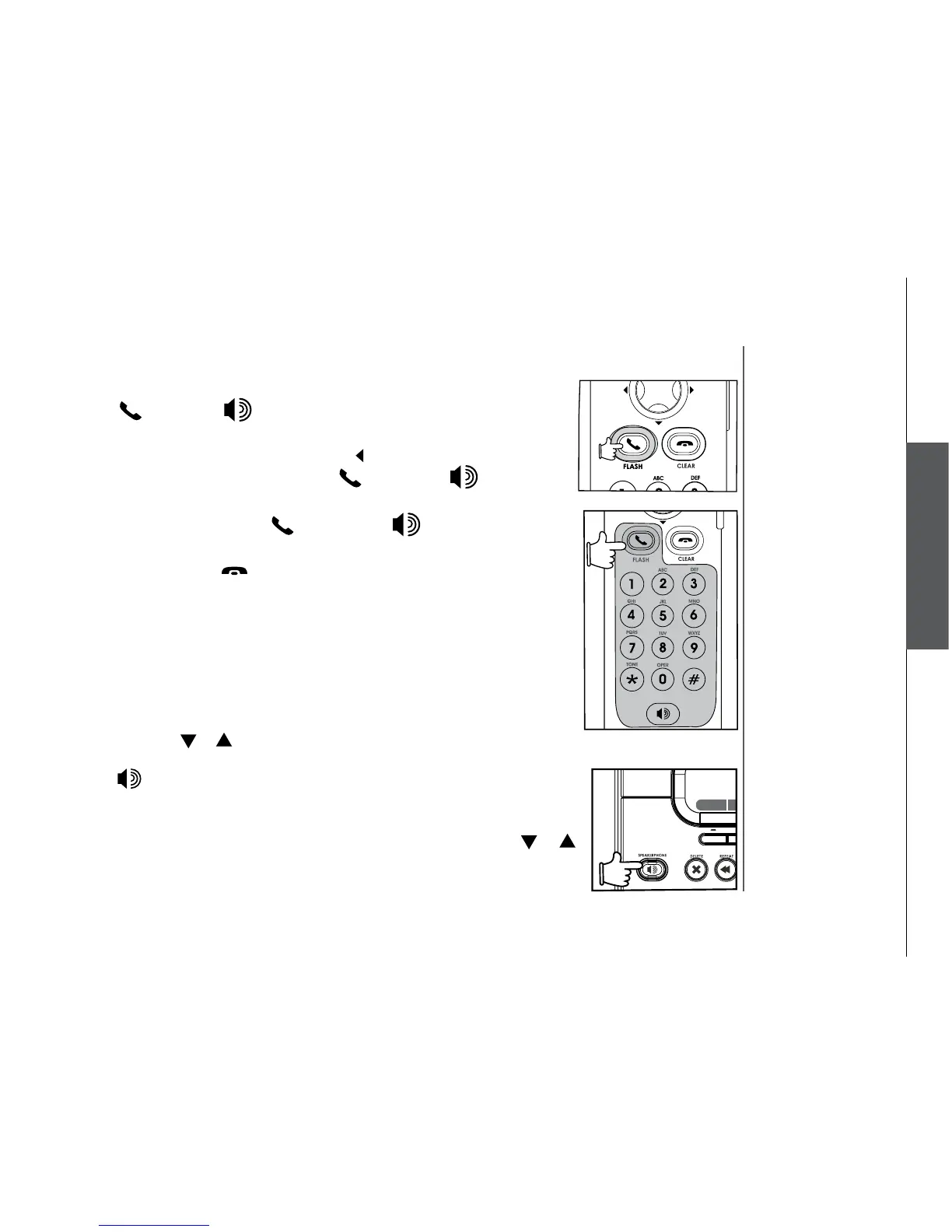
• Press /FLASH or , then dial the number.
-OR-
• Dial the number (use the
LEFT NavKey to backspace; use the softkey
PAUSE to insert a pause), then press /FLASH or, if you want to
use speakerphone.
• To answer a call, press
/FL ASH or, if you want to use
speakerphone.
• To end a call, press
/CLEAR, or put the handset back to the base
unit.
Make, answer, and end calls at the base unit
You can make calls from the redial list and call log at the base unit, but you
cannot dial a number directly.
From the redial list:
• Press the softkey
REDIAL to display the redial list.
• Use the softkey
or to scroll through the redial list to choose the number
to be dialed.
• Press
to dial the number.
From the call log list:
• Press the softkey
MENU to display the MENU.
• Press the softkey
SELECT to select CALL LOG. Use the softkey or
to scroll through the redial list to choose the number to be dialed.


 To Next Page