www.vtechphones.com
33
Advanced operation
Advanced operation
Phonebook
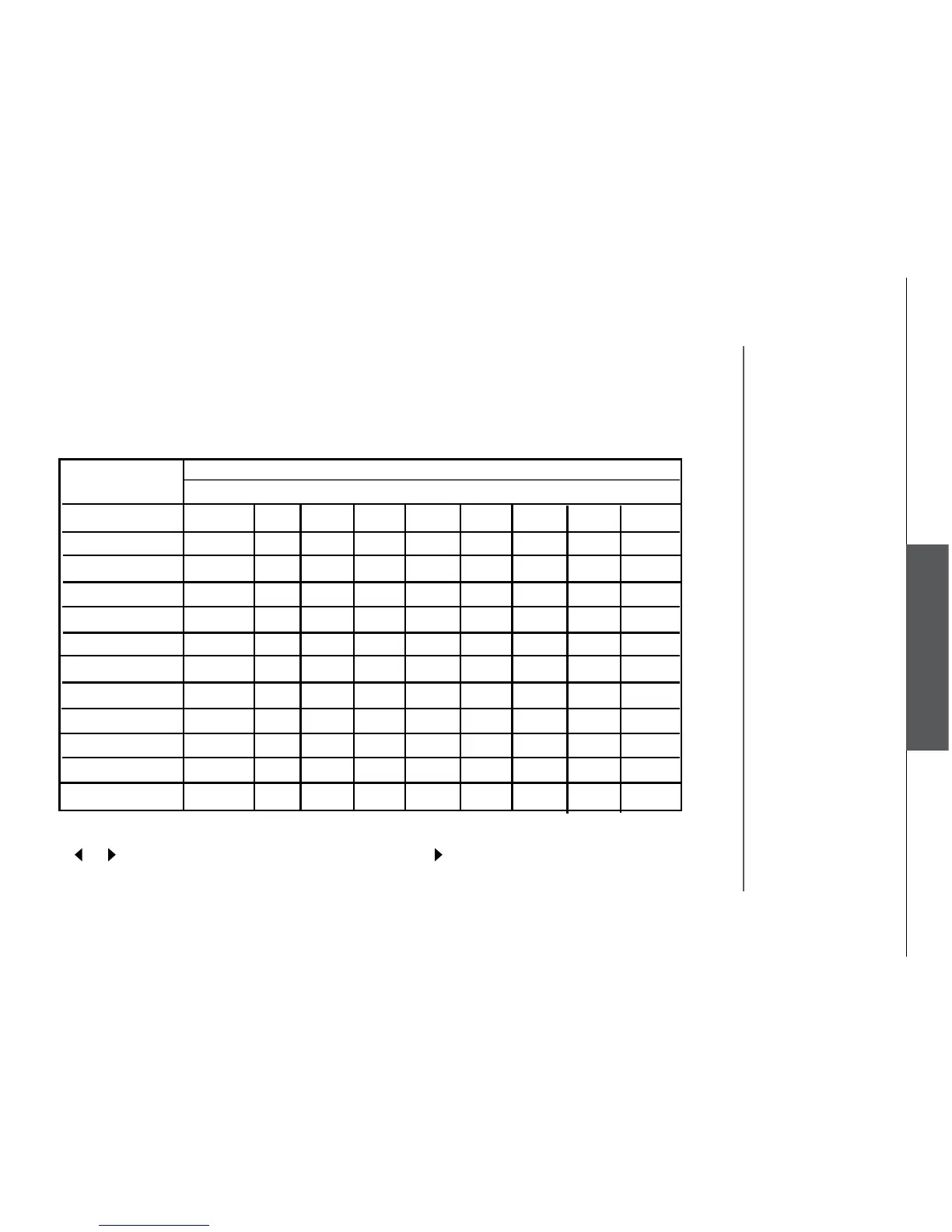
Chart of characters
Use the dial pad and the chart below to enter a name (up to 16 characters). Each press of a particular
key causes characters to be displayed in the following order:
• When editing characters, press the softkey
BACK to backspace. Press the LEFT or RIGHT NavKey
or to move the cursor. Press the RIGHT NavKey again to add a space.
• Press and hold the # key to insert a dialing pause.
Number Characters by number of key presses
Key 1 2 3 4 5 6 7 8 9
1 & ’ , . 1 Space
2 A B C a b c 2
3 D E F d e f 3
4 G H I g h i 4
5 J K L j k l 5
6 M N O m n o 6
7 P Q R S p q r s 7
8 T U V t u v 8
9 W X Y Z w x y z 9
0 0
* *
# #


 To Next Page