www.vtechphones.com
27
Basic operation
Options while on calls
• Press the softkey UNMUTE to return to normal conversation.
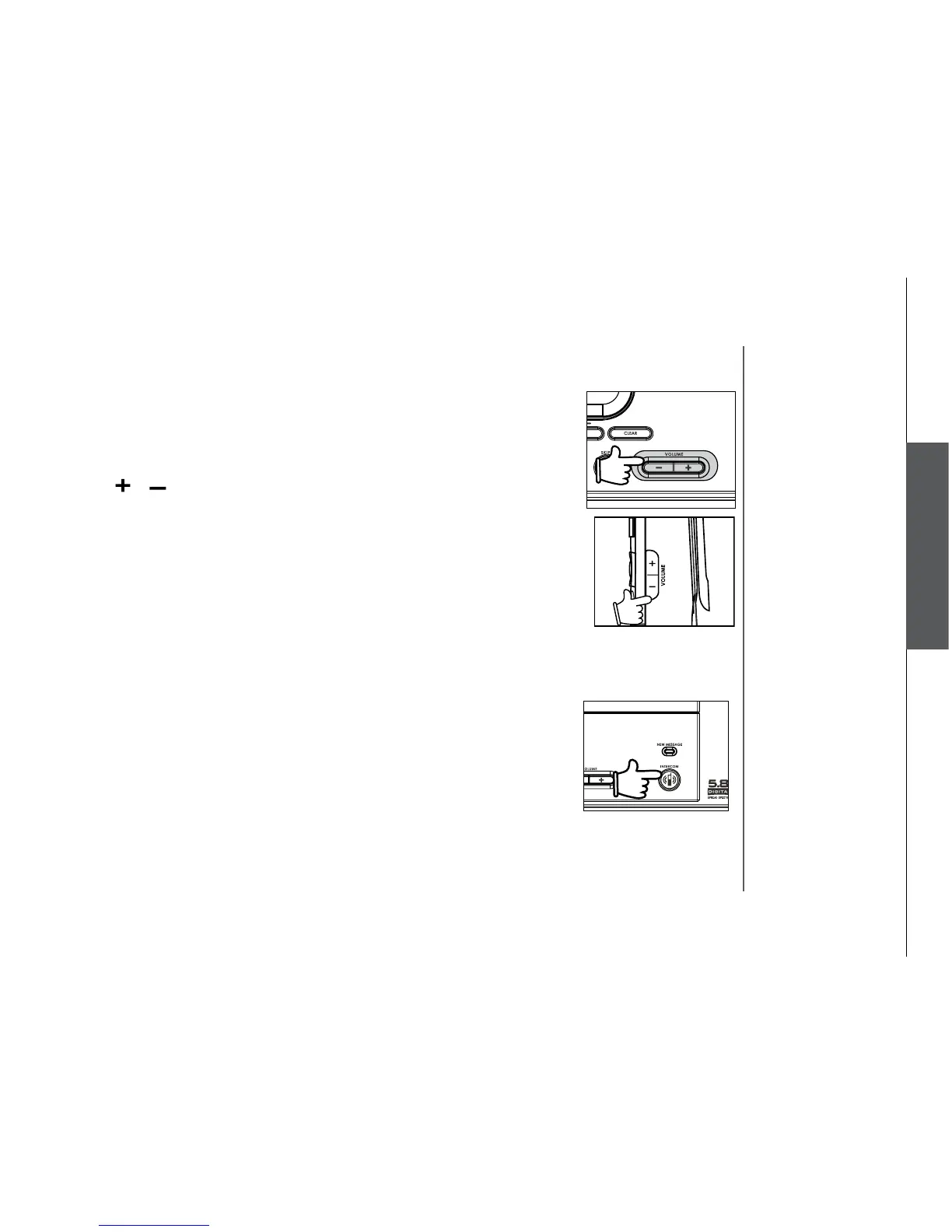
Volume control
• During a call, use the volume control on the right side of the handset, or the
volume control on the base unit, to adjust the listening volume.
• Press
or on the volume control key to adjust the volume to a comfortable
level.
Basic operation
Ringer silencing
This feature allows you to silence the ringer temporarily when the telephone
is ringing.
• Press the softkey
SILENCING on the handset or the softkey QUIET on the
base unit to temporarily silence the ringer.
Call waiting
If you subscribe to the call waiting service, press the softkey
FLASH on the
handset or at the base unit to answer the new incoming call.
Intercom call
The intercom feature allows a conversation between the handset and the
base unit, or between handsets if additional handsets are registered for use
with the system.
From base unit to all handsets
• Press
INTERCOM at the base unit, and press the softkey SELECT to
choose GLOBAL PAGE.
• All handsets will ring and the screen will display
Global Page from
BASE.



 To Next Page