www.vtechphones.com
46
Answering system operation
Outgoing greeting
Restore to factory greeting
• Follow the instruction in the section
Record your greeting on page 45 to
access the GREETING OPTION menu.
• Press the softkey
once to reach FACTORY SETTING, and press the
softkey SELECT to conrm.
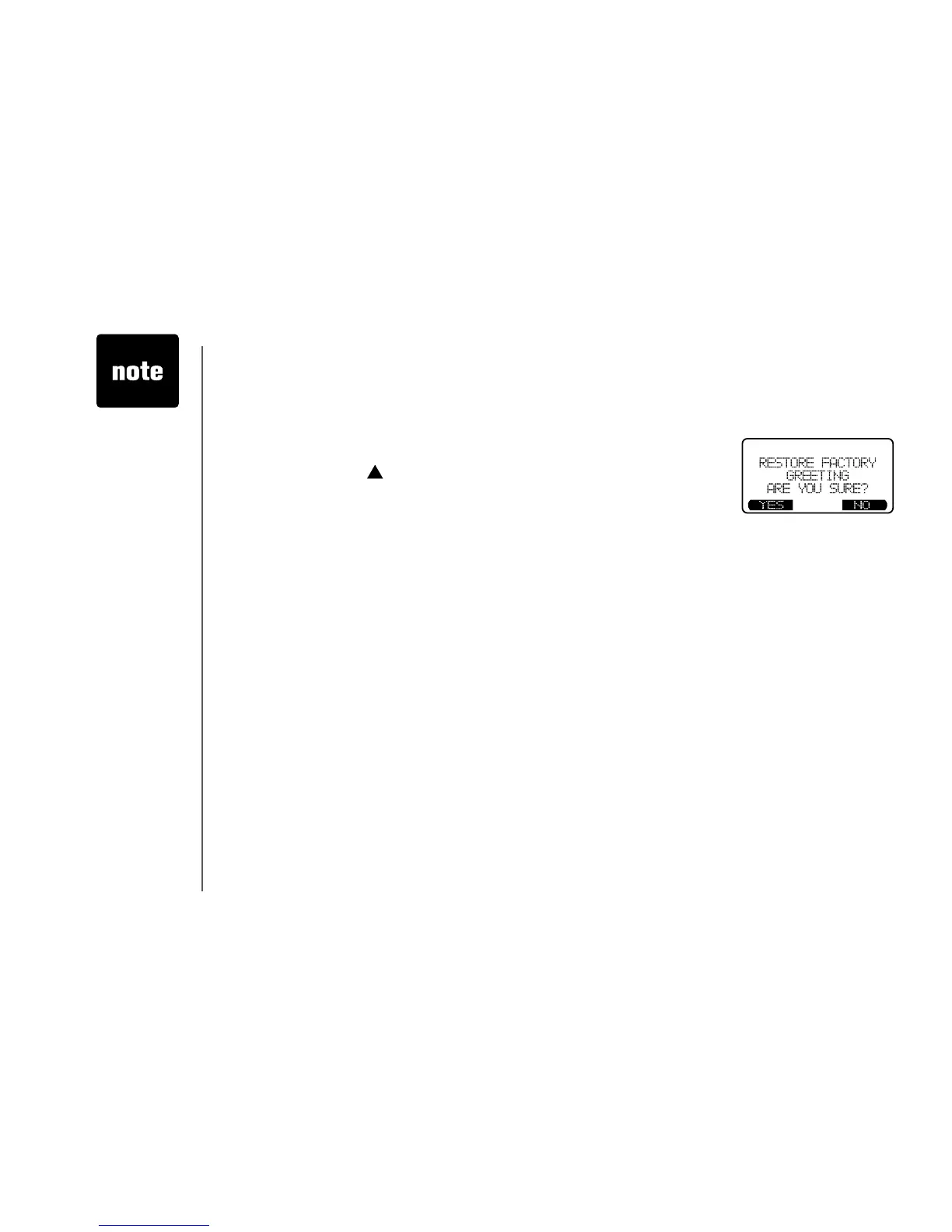
• The screen displays
RESTORE FACTORY GREETING, ARE YOU
SURE?
• Press the softkey
YES to conrm, and there will be a conrmation tone.
Press the softkey NO if you decide not to restore the factory greeting.
• When factory
greeting is
restored,
the greeting
recorded by you
will be deleted.



 To Next Page