18
Clock
To set the clock manually:
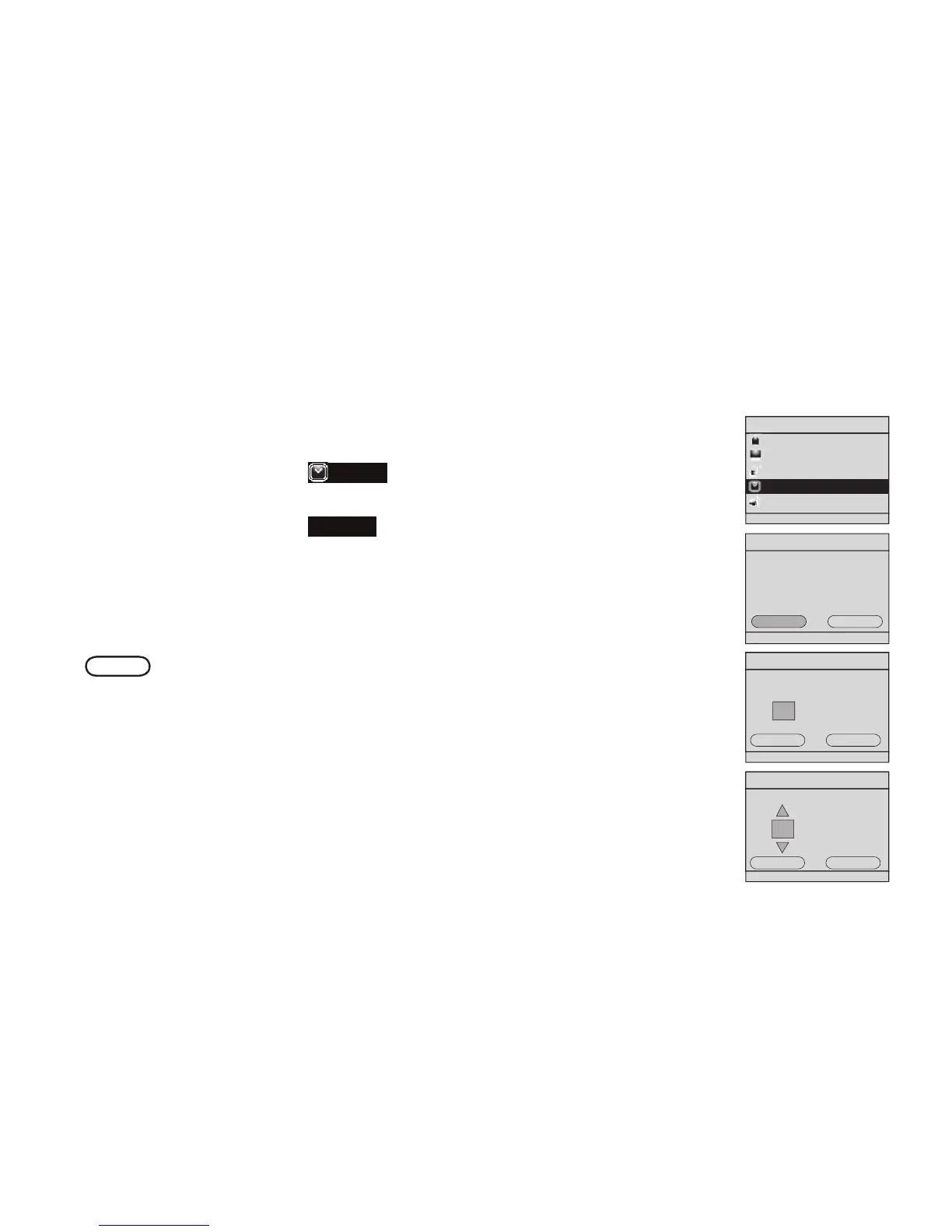
With the IS9181 turned on, press MENU.
Rotate the dial to highlight
Clock
and press SELECT.
Press SELECT to change.
4. Rotate the dial to highlight
Manual
and press SELECT.
5. Rotate the dial to move the cursor between the hour, minute, and AM/PM
positions. When the cursor is in the desired position, press SELECT.
6. Rotate the dial up or down to increase or decrease the time value or to
change between AM and PM, and press SELECT.
7. Repeat steps 5 and 6 until the time is correct. Rotate the dial to highlight
DONE
and press SELECT. Clock set appears.
1.
2.
3.


 To Next Page