58
Favorites
Play favorites
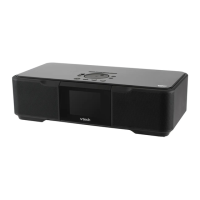
To play your favorites, you must rst select the source. To play your favorites:
With the IS9181 turned on, press SOURCE.
Rotate the dial to highlight the desired source (Internet Radio, or FM
Radio) and press SELECT.
Press FAVORITES and a list of saved entries for that source appears.
Rotate the dial to highlight the desired favorite and press SELECT. The
favorite plays.
1.
2.
3.
4.
If the source
is not selected
rst, No Source
selected
appears when
you press
FAVORITES on
the IS9181.
•


 To Next Page