Menu
Product ID
This screen displays the product information, such as its MAC address,
assigned IP address, web code, and firmware version. You need to know the
web code of the IS9181 when adding a new radio station to the IS9181 through
the VTech website (see page 23).
To view the Product ID:
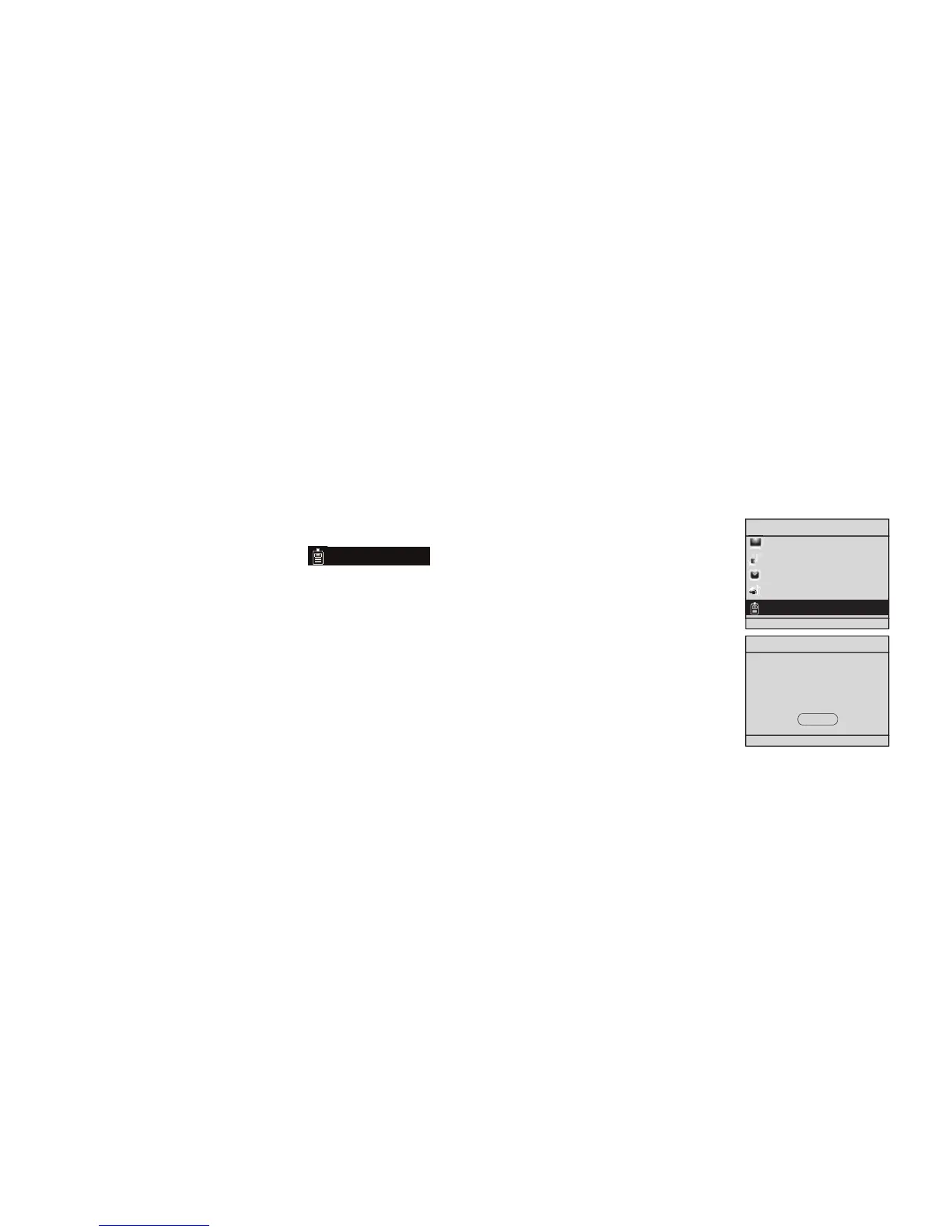
With the IS9181 turned on, press MENU.
Rotate the dial to highlight
Product ID
and press SELECT.
To exit the screen, press SELECT.
NOTE:
The web code uses zero and one, not the capital letter “O” or “I”.
1.
2.
3.
•


 To Next Page