52
Computer setup for My Music - Mac OS 10.5
External USB & Firewire drives
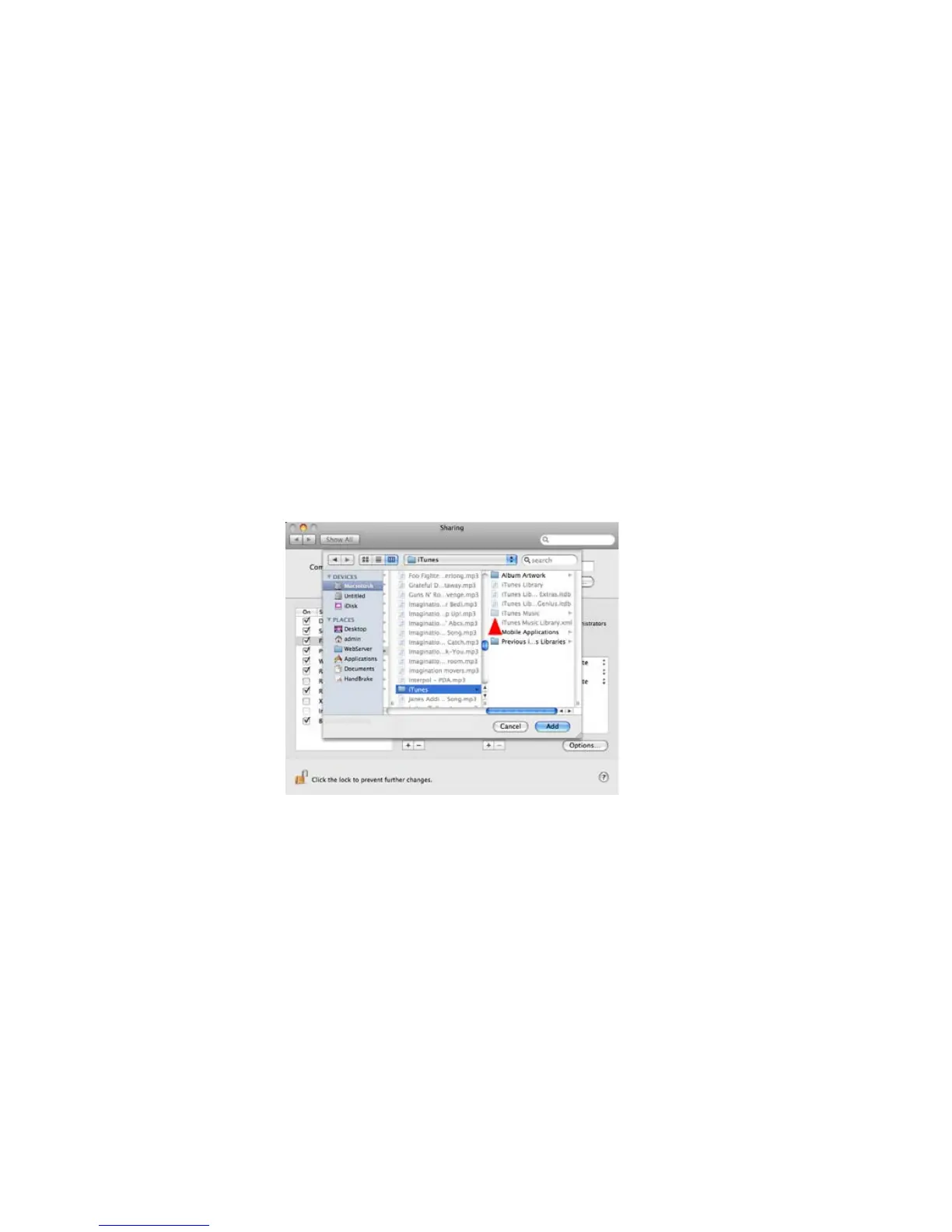
It is possible to share les from external drives using the same method. You have to setup the
desired folder on the external drive as a shared folder. Note, however, that external drives are not
accessed until you physically (not remotely) log into the Mac, so simply turning on the computer is
not enough to share the les, you must log in.
You can now close the System Preferences. On the IS9181 go to My Music and select Update
Computer List and reconnect with the desired Mac. Your music folder will now be available and
you can play all unprotected music that you may have in the folder you have chosen.
Source


 To Next Page