Source
FM radio
Play FM radio station
To listen to FM radio stations:
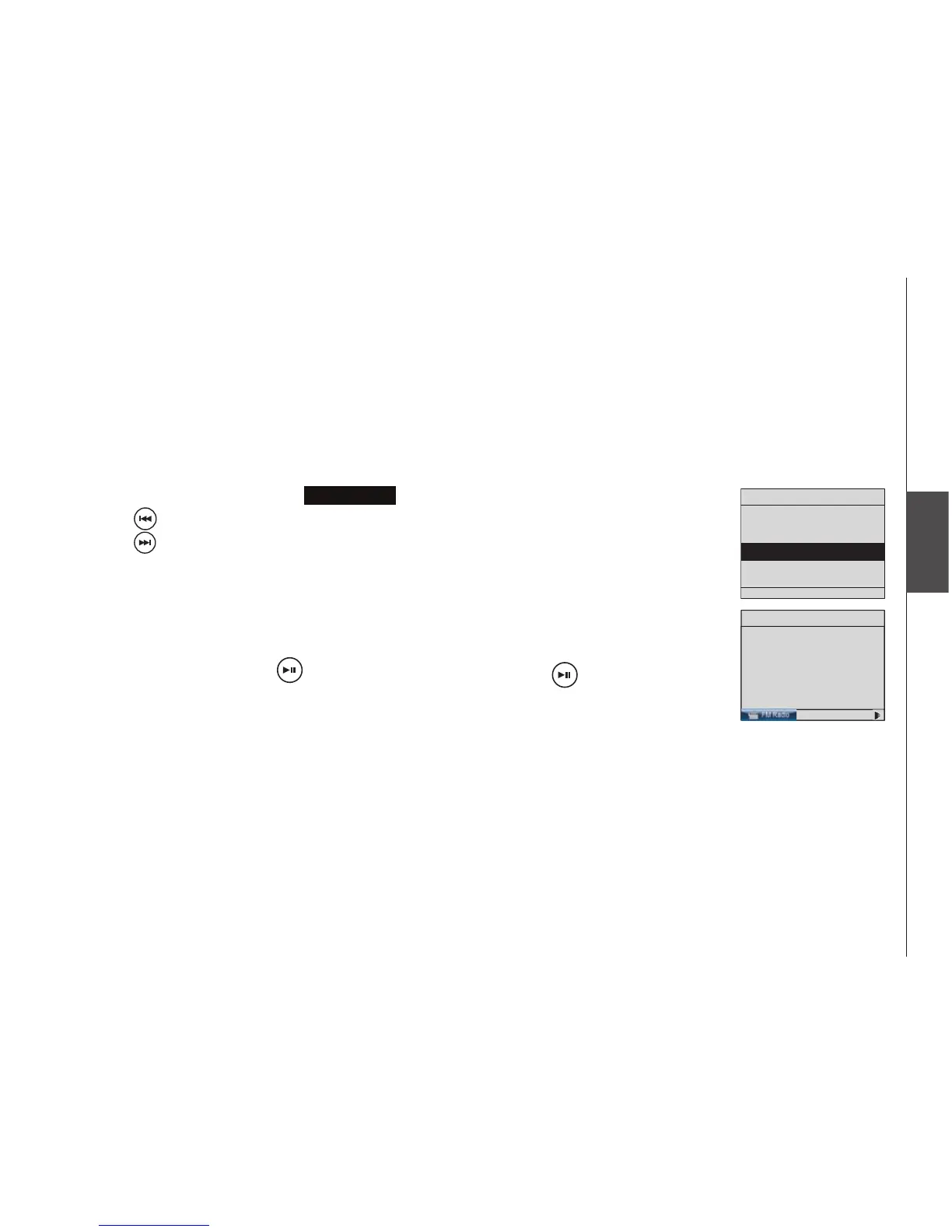
With the IS9181 turned on, press SOURCE.
Rotate the dial to highlight
FM Radio
and press SELECT.
Press to seek the next lower FM frequency with sufcient signal strength.
Press to seek the next higher FM frequency with sufcient signal
strength.
-OR-
Rotate the dial counter clockwise to increase the FM frequency by one step.
Rotate the dial clockwise to decrease the FM frequency by one step.
To mute the sound, press . To resume the sound, press again.
If you have chosen FM radio as your source and you press MENU, two
additional items appear at the top of the menu:
Now Playing - returns you to the FM radio playing screen.
Add to Favorites - see page 57 for instructions.
1.
2.
3.
•
•


 To Next Page