44
Source
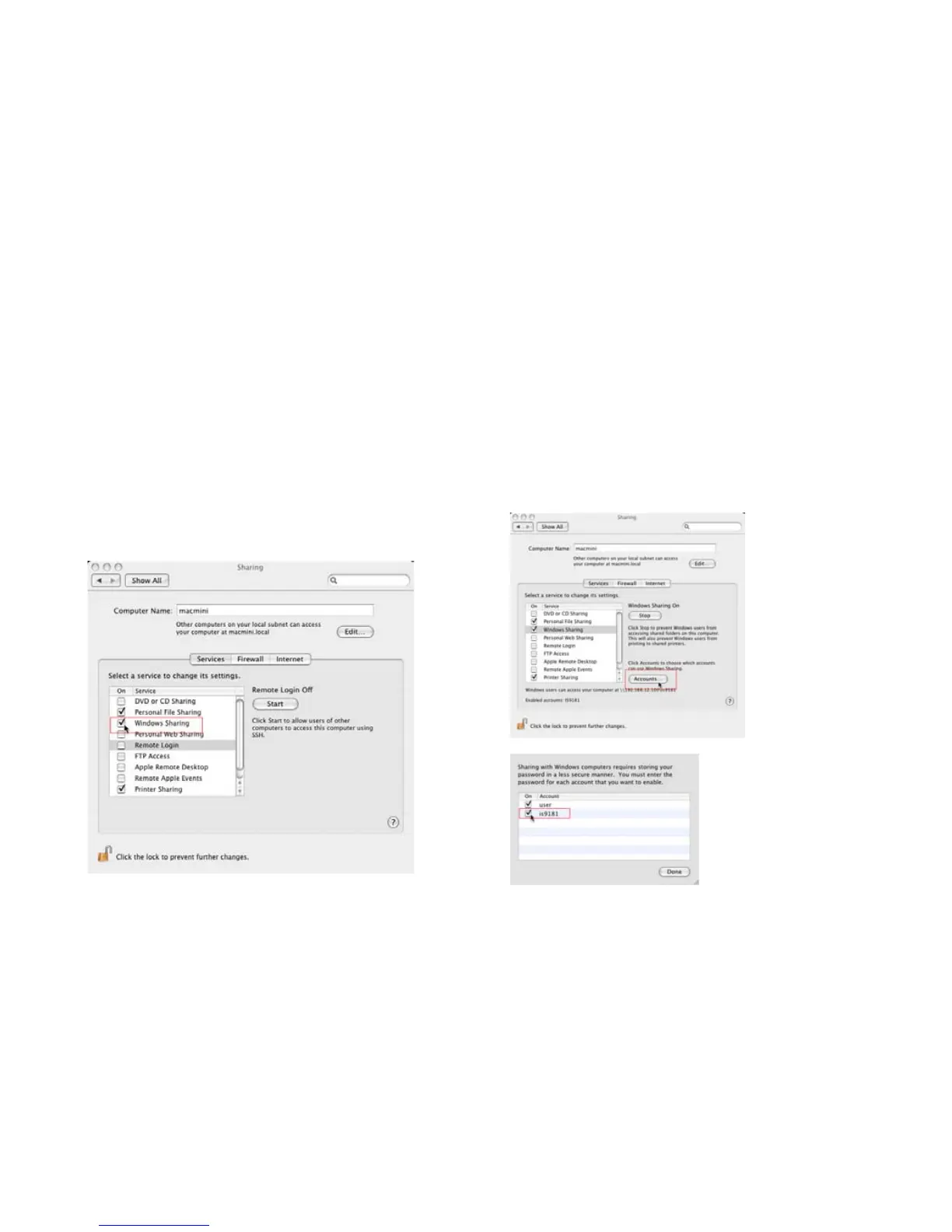
4. After the account is created, open the
Sharing Pane under System Preferences.
5. Ensure “Windows Sharing” is checked. You
may need to click the lock icon on the bottom
left to edit the settings.
6. After checking the “Windows Sharing” box,
click the Accounts… button to enable the
IS9181 account.
Computer setup for My Music - Mac OS 10.4
Create the IS9181 user account and share the folder


 To Next Page