12
ACTIVITIES
1. Free Play
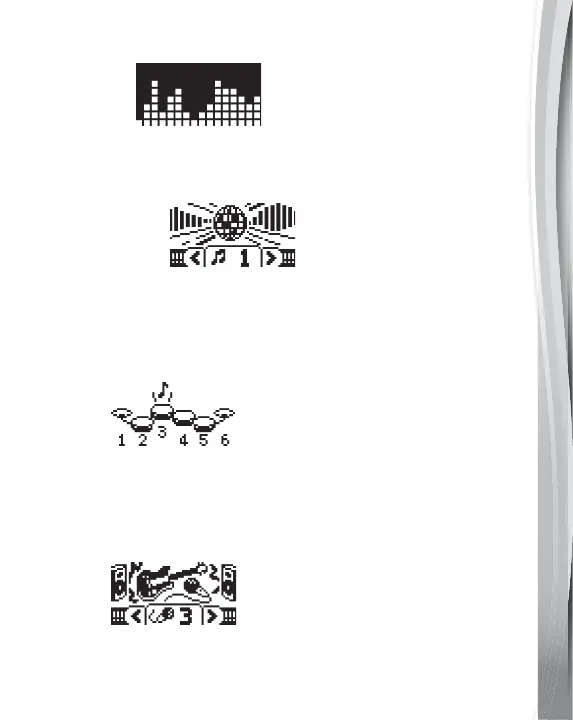
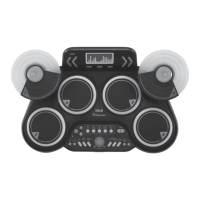
Play your own beats on the Drum Pads! Use the Drum Style
Button to choose from over 25 different drum kits. To help you
keep a steady tempo while playing, press the Click Track Button.
2. Music Tracks
Play along with the included tracks by pressing the Music Tracks
Button. Press the Drum On/Off or Melody On/Off Buttons to
add or remove the drumbeats and melodies. Using the Start/
Stop Button to stop and start the melody again. Speed up or
slow down the melody by pressing the Tempo Buttons.
3. Coach
Press the Coach Button to practise beats, fills and rudiments.
Follow along with the examples.
4. Tips
Press the Tips Button to learn fun facts about drums.
5. Songs
Press the Songs Button to play along with 4 included songs.
The Tempo, Drum On/Off and the Melody On/Off buttons are
not usable in this mode.



 To Next Page