13
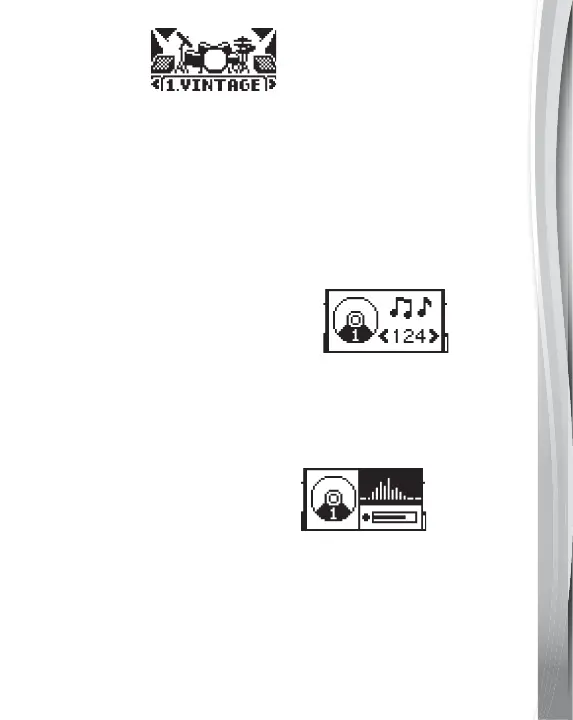
6. Drum Style
Select different drum styles with the Drum Style Button. Scroll
through the different sets using the Left or Right Buttons or by
continuing to press the Drum Style Button.
7. Custom Drums
Press the Custom Drums Button to create your own drum set
using pre-recorded sounds, or by recording your own with the
Microphone. You can select your custom drum set with the
Drum Style Button.
• Using Pre-recorded Drum Sounds
Hit the Drum Pad you’d like to assign a sound to, then press
the OK Button to confirm. This will take you to the drum sound
selection page on the display screen. Use the Left and Right
Buttons to scroll through the sounds, then press the OK Button
to confirm the sound you choose.
• Record Your Own Drum Sound
Hit the Drum Pad you’d like to assign a sound to, then press
the OK Button to confirm. This will take you to the drum sound
record page on the display screen. Use the OK Button to record
any sound you make into the unit’s Microphone. Choose the
playback icon to replay the sound. Select the tick to save
the recording.
For the best recording results, get as close to the Microphone
as possible.



 To Next Page