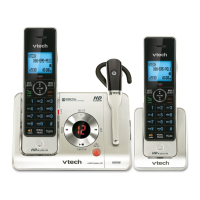
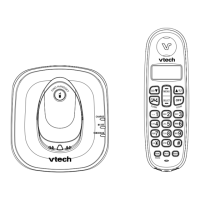
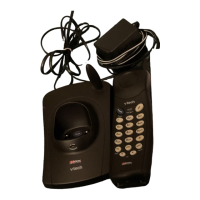
1. Plug the battery connector securely into the socket inside the handset battery compartment, matching the color-
coded label.
2. Place the battery with the label THIS SIDE UP facing up and the wires inside the battery compartment.
3. Slide the battery compartment cover towards the center of the handset until it clicks into place.
4. Place the handset in the telephone base or charger to charge.
Handset overview
CHARGE light
On when the handset is charging.
VOLUME
Review the directory when the telephone is not in use. Scroll up while in a menu. Increase the listening volume during
a call or message playback. Move the cursor to the right when entering numbers or names in the directory.
MUTE/DELETE
Mute the microphone during a call. Delete the displayed entry while in the directory, caller ID log or redial list. Silence
the ringer temporarily while the handset is ringing.
Delete digits or characters while using the dialing keys.
FLASH
Make or answer a call. Answer a call waiting call during a call.
Press repeatedly to add or remove 1 in front of the caller ID log entry before dialing or saving it to the directory.
Switch to tone dialing temporarily while on a call.
SPEAKER
Make or answer a call using the handset speakerphone. Switch between the speakerphone and the handset during a
call.
REDIAL/PAUSE
Press to review the redial list. Press and hold to insert a dialing pause while entering numbers in the directory.
CID//VOLUME
Review the caller ID log when the telephone is not in use. Scroll down while in a menu. Decrease the listening volume
during a call or message playback. Move the cursor to the left when entering numbers or names.
MENU/SELECT



 To Next Page