voicemail.
Answering system settings
Default settings are indicated by asterisks (*).
Screen display Function Options
Call screening
Set whether you hear the callers
while they are leaving messages
to you.
On* Off
# of rings
Set the number of times the
telephone rings before the
answering system answers.
6; 5; 4*; 3; 2;
Toll saver
Remote code
Set a two-digit security code to
access the answering system
remotely from any touch-tone
telephone.
19*
Msg alert tone
Set to alert you when you have
new messages.
On Off*
Recording time
Set the recording time for each
incoming message.
3 minutes*
2 minutes
1 minute
Answering system operation
Turn the answering system on or off
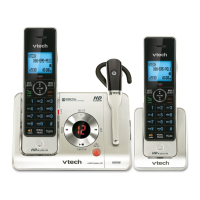
The answering system must be turned on to answer and record messages. When it is turned on, the /ANS ON/OFF
light on the telephone base turns on and ANS ON displays on the handset.
Press /ANS ON/OFF on the telephone base to turn the built-in answering system on or off.


 To Next Page