15
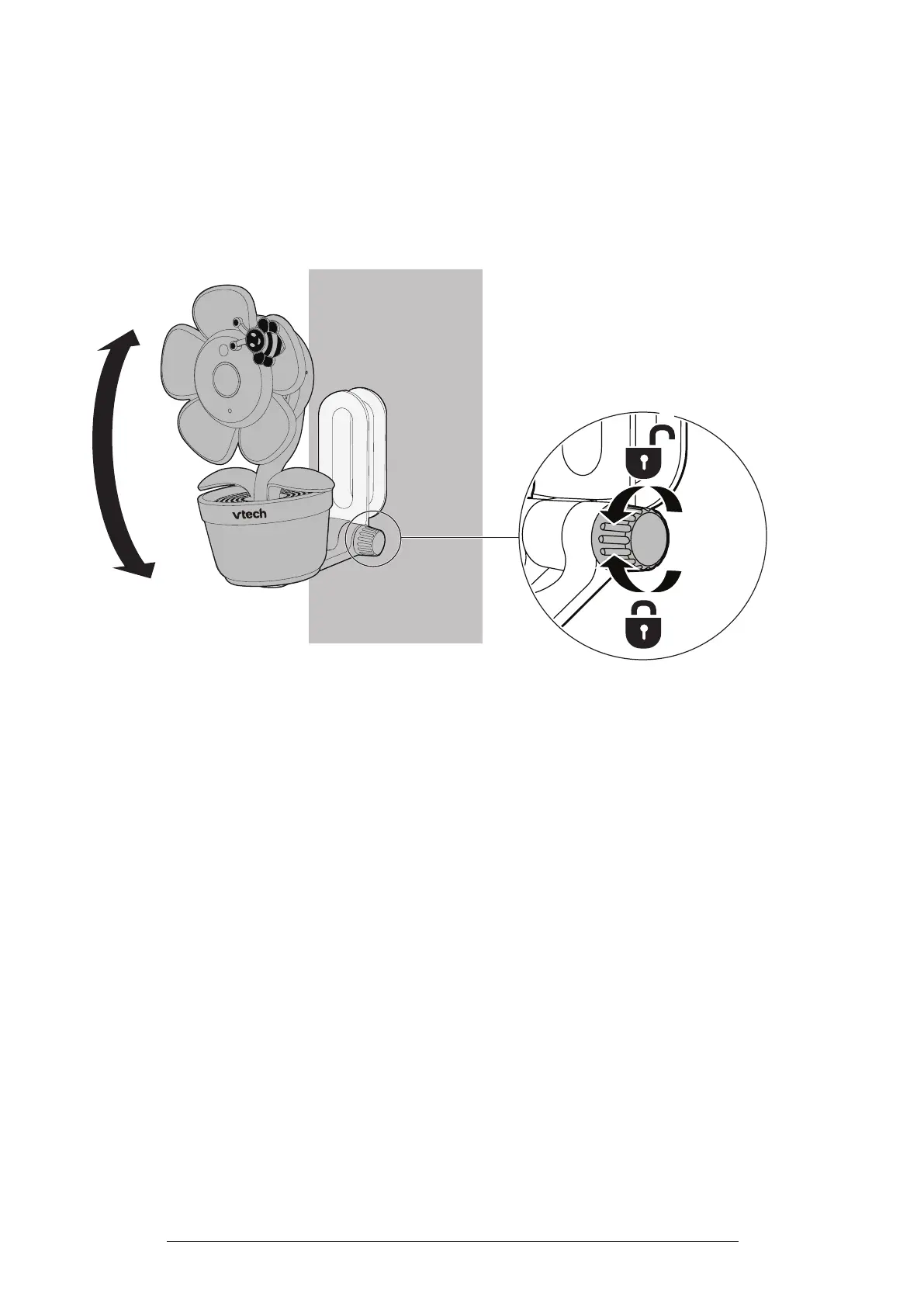
5. You can maximise your camera viewing angles by tilting the wall mount
bracket.
Hold the camera, and then rotate the knob in an anti-clockwise direction. This
will loosen the joint of the wall mount bracket.
Tilt your camera up or down to adjust to your preferred angle. Then, rotate the
knob in a clockwise direction to tighten the joint and secure the angle.



 To Next Page