Settings
17
Key tone
You can turn the key tone on or off for the base unit. If the key tone is on, the base unit beeps
with each key press. If the key tone is off, there are no beeps when you press the keys.
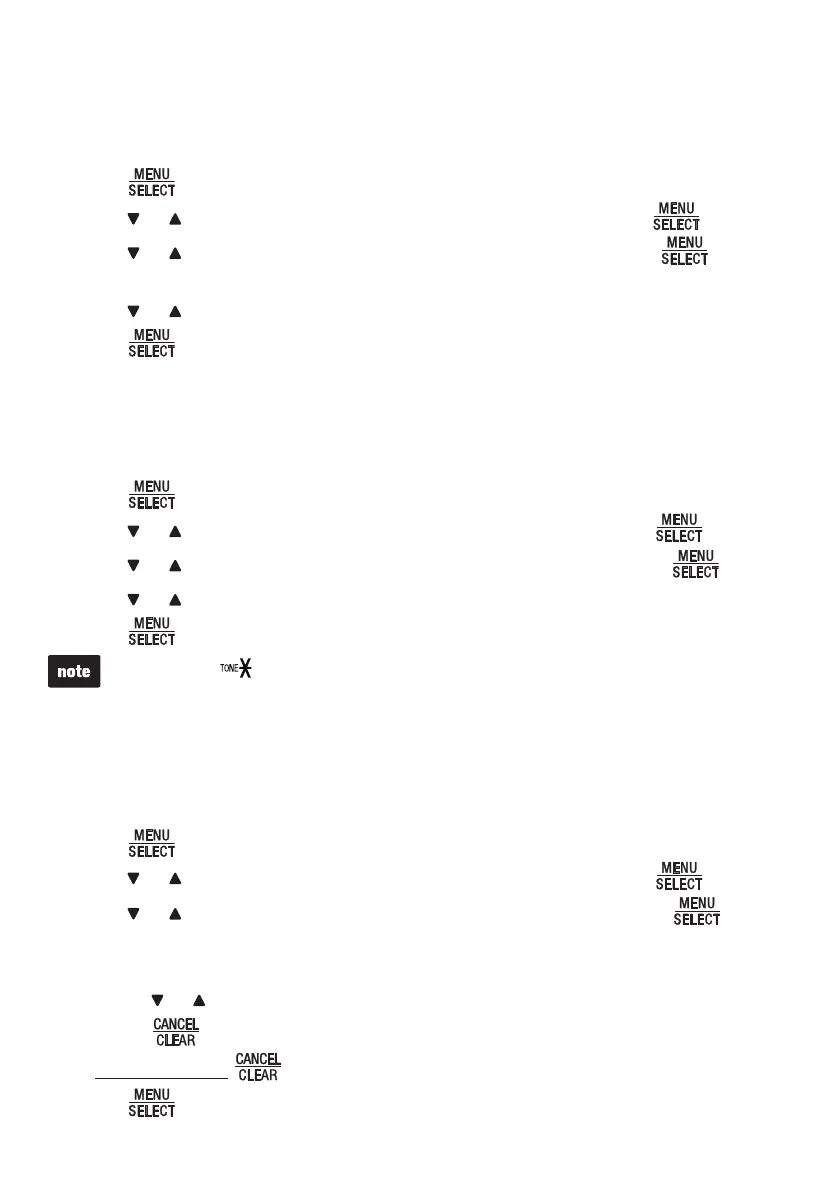
Press
when the base unit is not in use.
Press or until the base unit displays Settings, and then press .
Press
or until the base unit displays Key tone, and then press .
The base unit displays KEY TONE with the current setting.
Press
or to sample each key tone (Off, or 1 to 3).
Press
to save your selection. You hear a confirmation tone.
Dial mode
The dial mode is preset to tone dialing. If you have pulse (rotary) service, you must
change the dial mode to pulse dialing before using the base unit to make a call.
Press
when the base unit is not in use.
Press
or until the base unit displays Settings, and then press .
Press
or until the base unit displays Dial mode, and then press .
Press
or to choose Touch-tone or Pulse.
Press
to save your selection. You hear a confirmation tone.
You can press
to switch to tone dialing temporarily when using pulse service while on a call.
Area code
If you dial local calls using only seven digits (area code not required), you can program
your home area code so that when you receive a call within your local area, the
telephone number is automatically stored in the call log without the area code.
Press
when the base unit is not in use.
Press or until the base unit displays Settings, and then press .
Press
or until the base unit displays Area code, and then press . The
base unit briefly displays Only for 7digit dial from CID, followed by AREA CODE:
Use the dialing keys to enter the 3-digit area code.
Press
or to move the cursor to the left or right.
Press
to erase a digit.
Press and hold to erase all digits.
5. Press to save your selection. You hear a confirmation tone.
1.
2.
3.
4.
5.
1.
2.
3.
4.
5.
1.
2.
3.
4.
•
•
•



 To Next Page