EasyManua.ls Logo

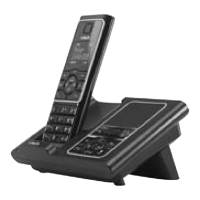
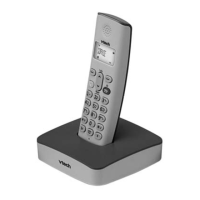
VTech VT9011 - Base

VTech VT9011
62 pages
To Next Page IconTo Next Page
To Previous Page IconTo Previous Page
Loading...
Base
Getting to know your phone
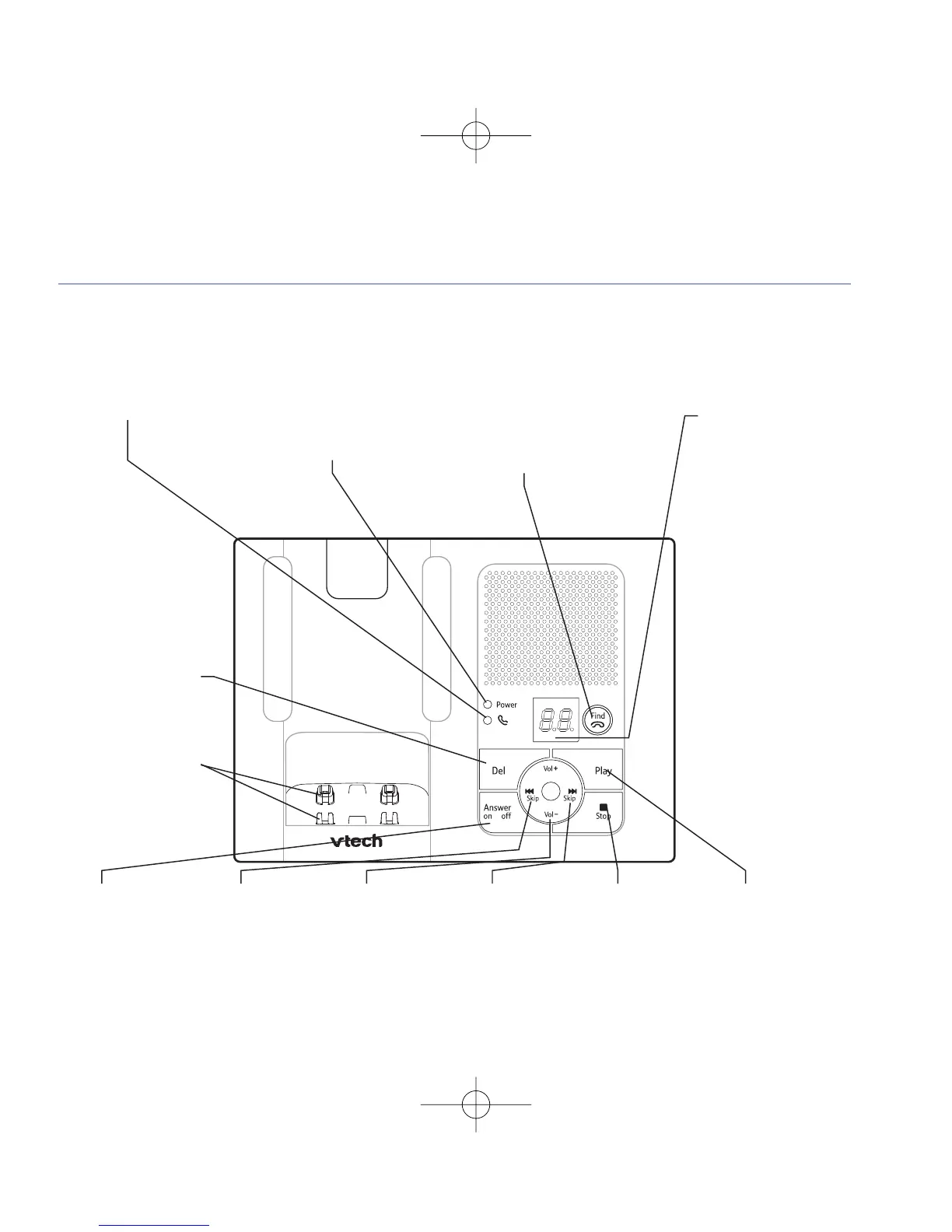
Off hook light
Flashes when the handset is
taking or making a call.
Power light
On: power on.
Find
Press to ring all registered
handsets, helpful f
or finding
a missing handset.
Also used during the
registration process.
On/Off
Switch answering
machine on or off.
I
7
SKIP
Press once to
repeat the current
message, twice t
o
play the previous
message.
Vol + / Vol –
Increase or
decrease speaker
volume during
play back.
SKIP
8
I
Skip forward to the
next message.
Stop
Stop play back.
Play
Play messages.
Answering machine
display
- -
Answering
machine off.
0-99
Answering
machine on, number of
messages stored.
Flashes when you
have new,
unplayed messages.
rA
Displayed while
a handset is accessing
the machine.
rE
Displayed while
recording a message.
Del
Delete answering
machine messages.
2-position
charging contacts
Handset can be placed
flat on the base or
r
aised for easier pick
up and viewing.
7

Table of Contents

Other manuals for VTech VT9011

Related product manuals