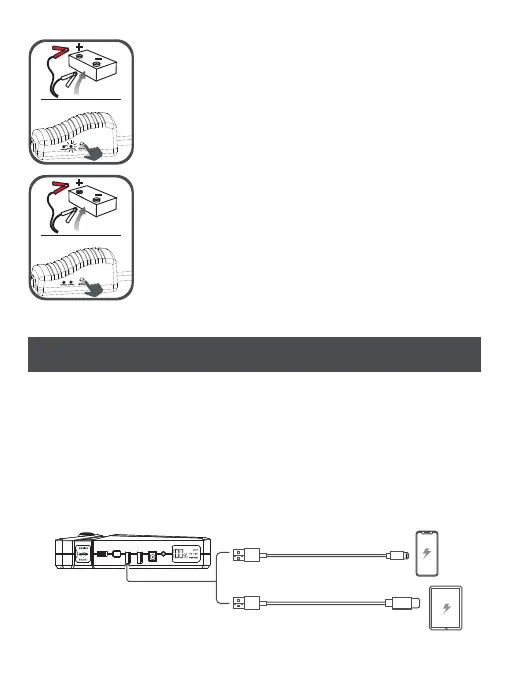
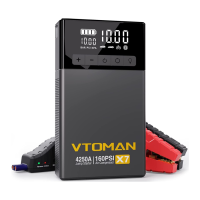
GREEN LIGHT BLNKING: Indicating that the voltage
of the storage battery is too low. Press the BOOST
button until the green light is on, and start within
30 seconds.
NO LIGHT AND NO BUZZING: Indicating that the
storage battery may have been damaged. Please
ensure that terminals have been connected to the
correct polar, then press the "BOOST" button,and
finish the starting operation within 30 seconds when
the green light is on.
CHARGING THE DIVICES
How To Use VTOMAN V8 Pro To Charger The Cell Phone And
Tablet:
1.Keep the "ON/OFF" stitch "ON" and check the remain power of
the device with LCD screen.
2.Connect the cell phone and device with USB cable.
3.Press the power button to charge your cell phone.


 To Next Page