3. OSD Menu Operation
Signal source selection
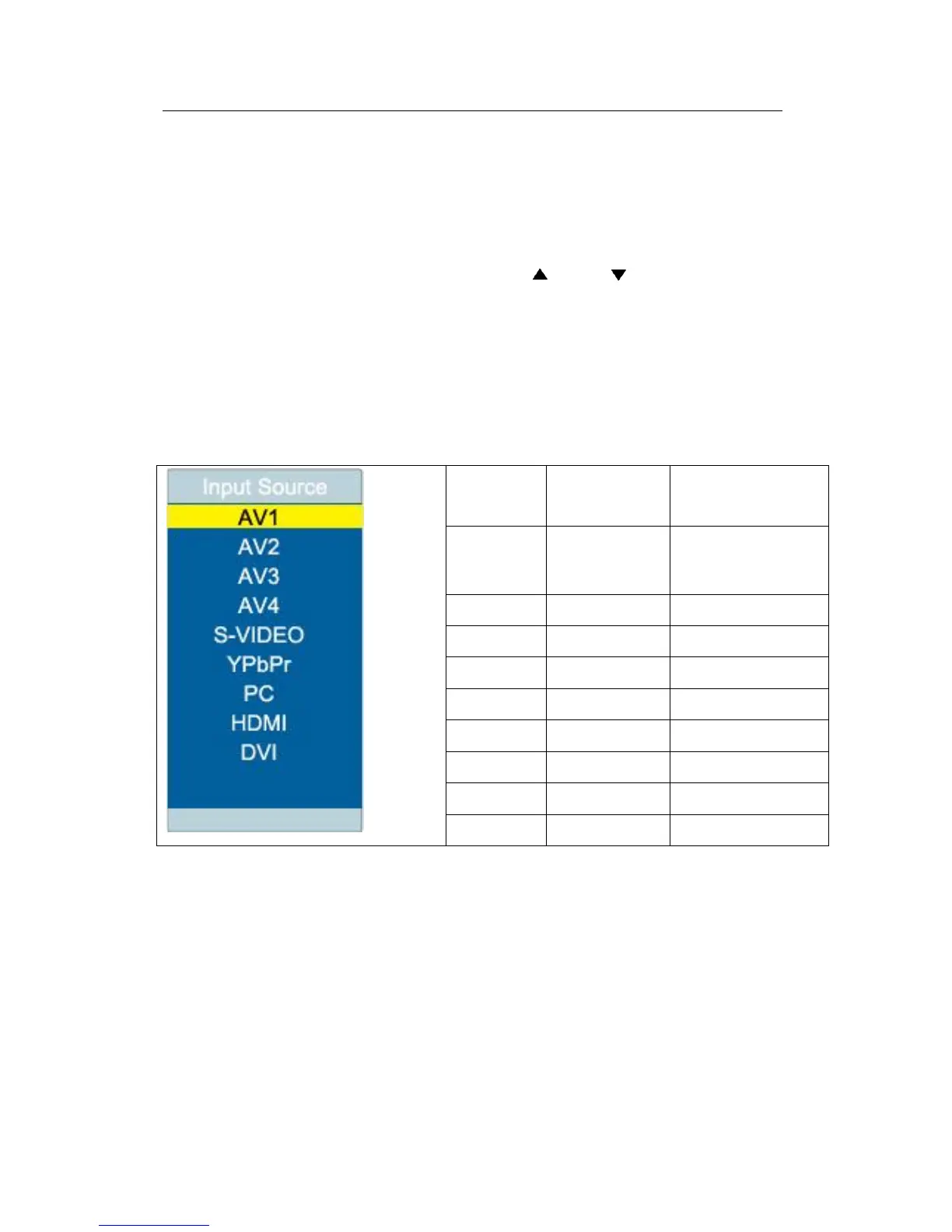
Press the “Source” key on the remote control, and the “input signal source” menu
will be displayed on the screen. Press the “ ” and “ ” key on the remote
control to select the signal source, such as Video 1, Video 2, Video 3, Video 4,
S-terminal, component, PC, HDMI and DVI. Press the “OK” key on the remote
control or the “MENU” key on the panel, and then the display panel will switch to
the input signal source you have selected.
Table 3-1 Description of Signal Source Menu
Main menu
Press the “Menu” key on the remote control or the “MENU” key on the panel, the
main menu will be displayed on the screen.



 To Next Page