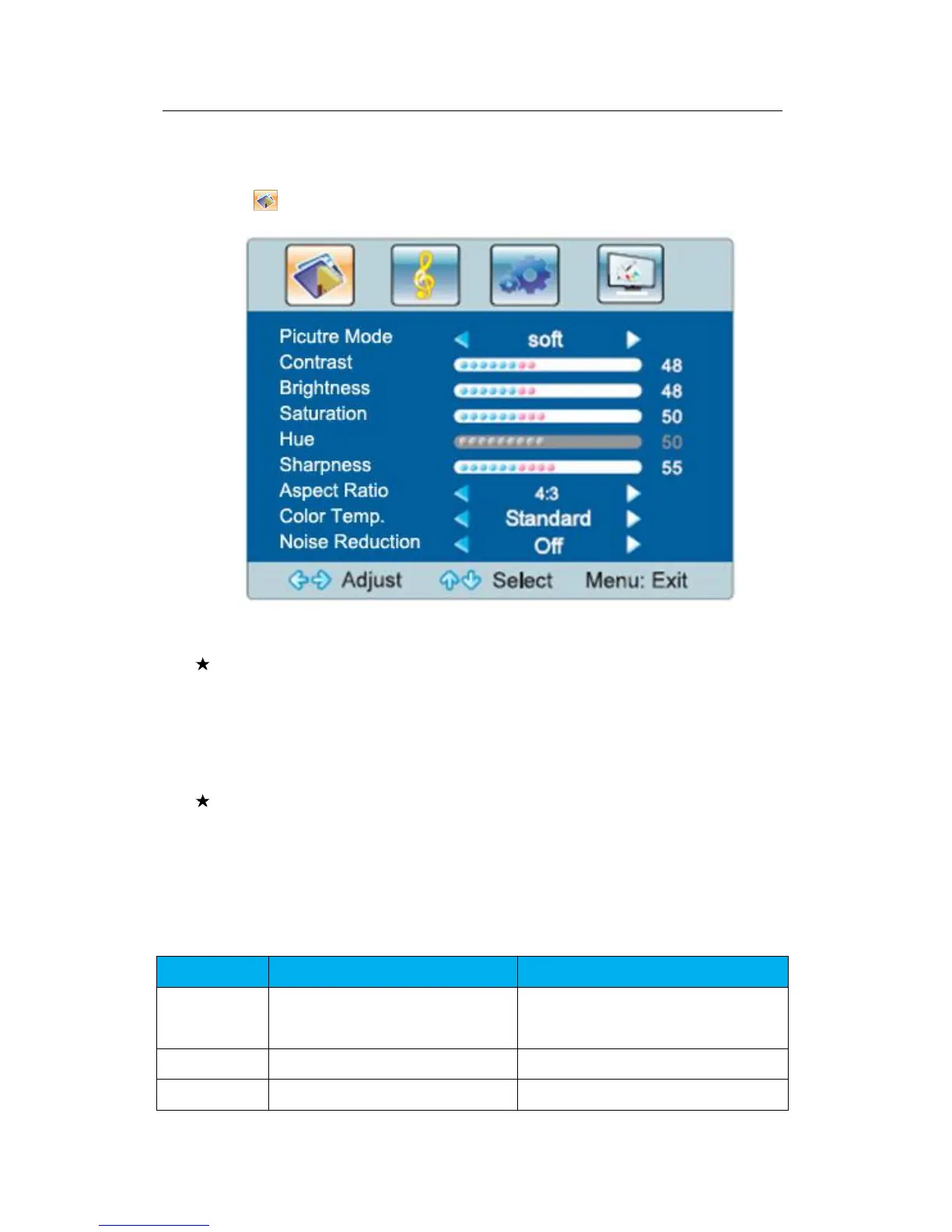
Picture menu
Select to display the picture menu.
Fig.3-1 Picture Menu
Special hint:
1) The hue function is available for NTSC signal only.
2) The contrast, brightness, saturation, hue and sharpness you adjust will be
automatically saved as the user mode.
Short-cut keys of the remote control
Picture mode: By pressing the “Picture mode” key on the remote control, you
can switch quickly among the following 4 modes: standard, soft, user, and
bright.
Table 3-2 Function Description of Picture Menu
4 modes: standard, soft, user, bright



 To Next Page