User Manual VTRON LCD Display Panel
Adjust the picture saturation
Adjust the picture sharpness
Adjust the image display aspect
ratio
Including full, 4:3, caption, movie
and PC modes
Adjust the picture color
temperature
3 modes: Standard, warm, cool
Set the noise reduction class
4 classes: high, medium, low, OFF
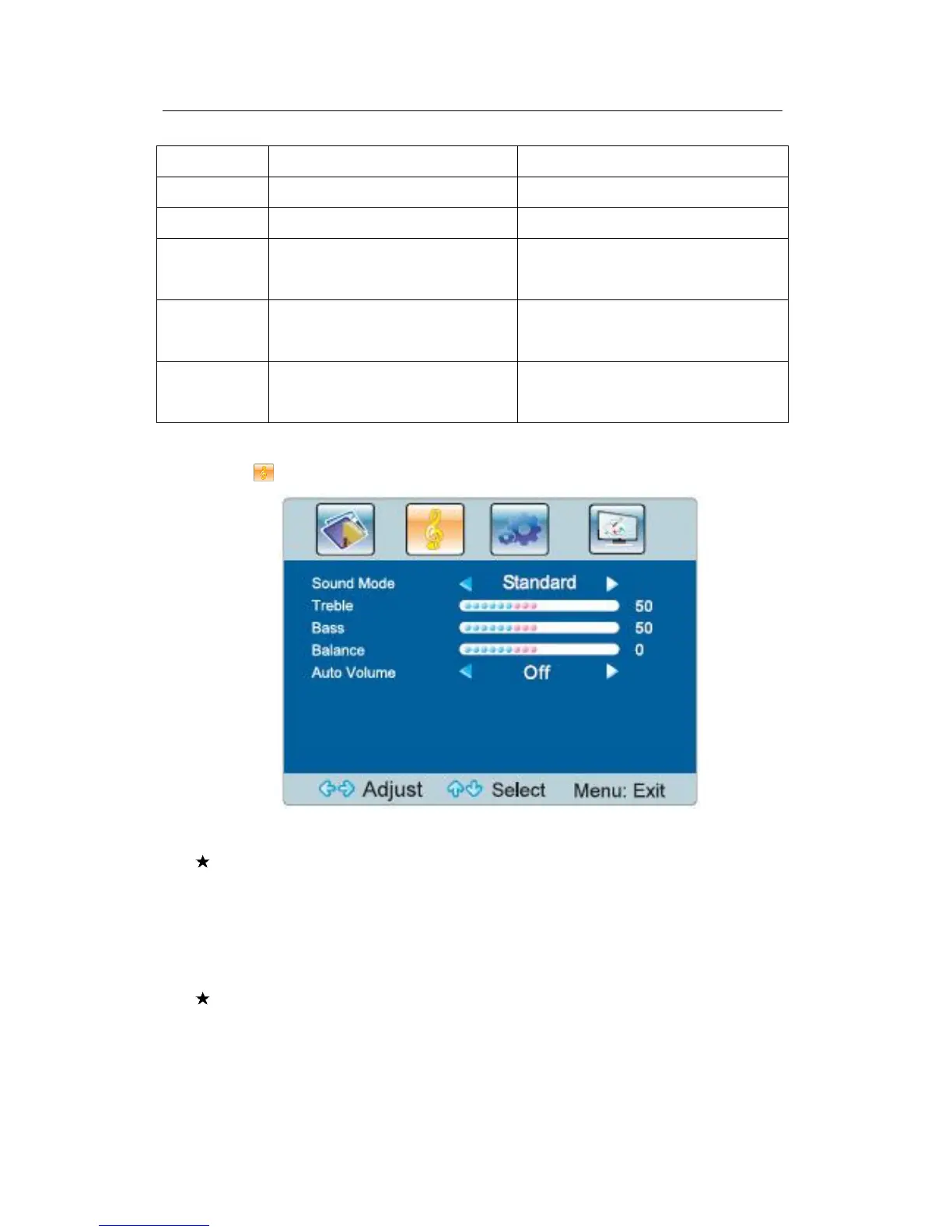
Sound menu
Select to enter the sound menu.
Fig.3-2 Sound Menu
Special hint:
1) Please set the balance as 0 in normal situations.
2) The treble and brass analog values you adjust will be automatically saved
as custom mode.
Short-cut keys of the remote control
Sound mode: By pressing the “Sound mode” key on the remote control, you
can switch quickly between the following 4 modes: standard, music, movie,
and user.



 To Next Page