EasyManua.ls Logo

Vtron L-PH4618 - Page 23

Default Icon
34 pages
Print Icon
To Next Page IconTo Next Page
To Previous Page IconTo Previous Page
Loading...
User Manual VTRON LCD Display Panel
- 18 -
Mute: the key to enable/disable sound.
Volume +/-: You can press the “Volume +/- key on the remote control to
adjust the volume.
Table 3-3 Function Description of Sound Menu
Option
Function
Description
Sound mode
Select the sound effect mode
4 modes: standard, music, movie and user
Treble
Adjust the treble
Setting range: 0-100
Bass
Adjust the bass
Setting range: 0-100
Balance
Adjust the balance of the left
and right tracks
Setting range: -50-50
Auto volume
Adjust the volume
automatically
When it is ON, the system will automatically
adjust the volume.
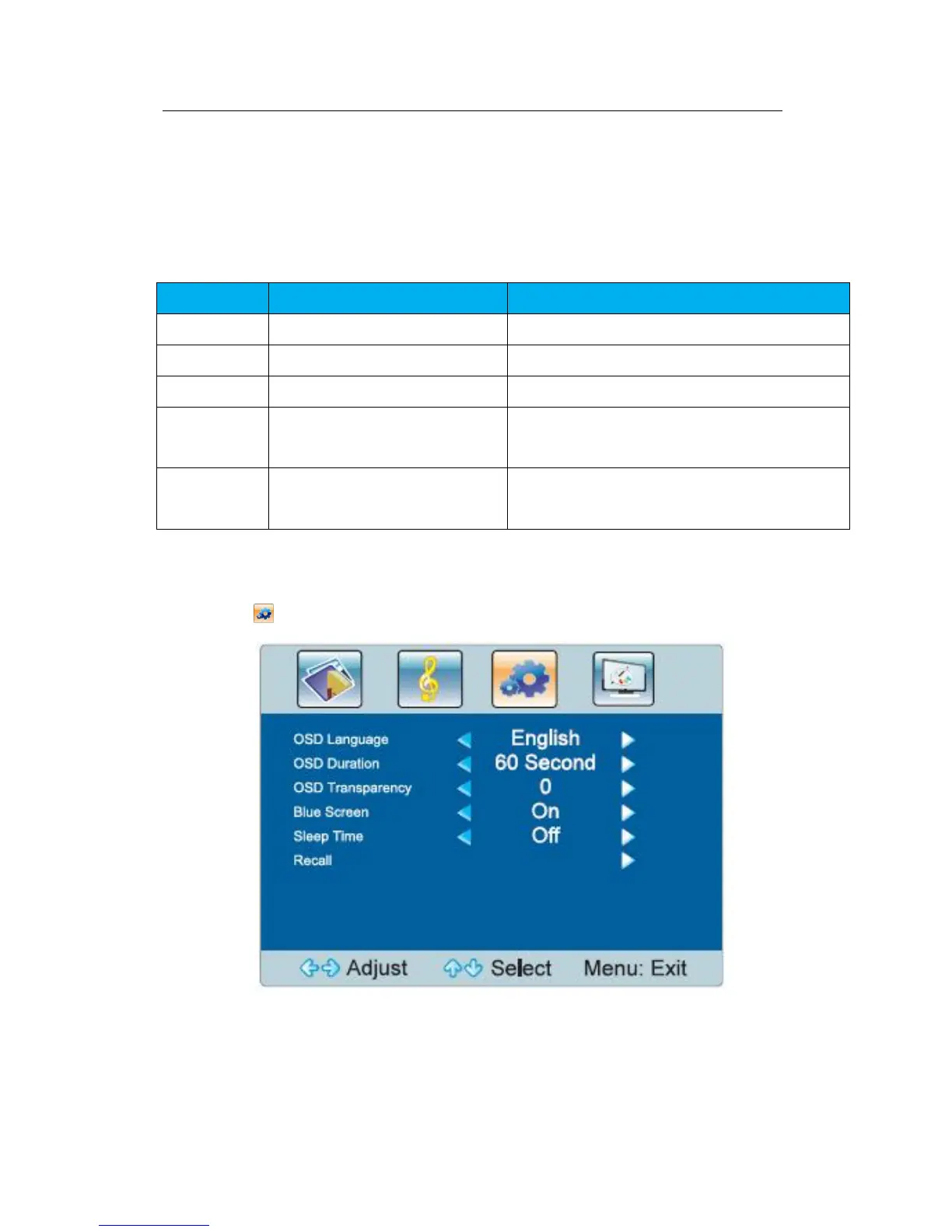
Function menu
Select to display the function menu.
Fig.3-3 Function Menu