User Manual VTRON LCD Display Panel
Table 3-4 Function Description of Function Menu
Chinese and English are available
4 options: 15s, 30s, 45s and 60s
Adjust the OSD transparency
Set whether blue screen shall be
adopted when there is no signal
Set the duration before standby
“OFF, 15, 30, 45, 60, 90, 120, 240”,
unit: minute
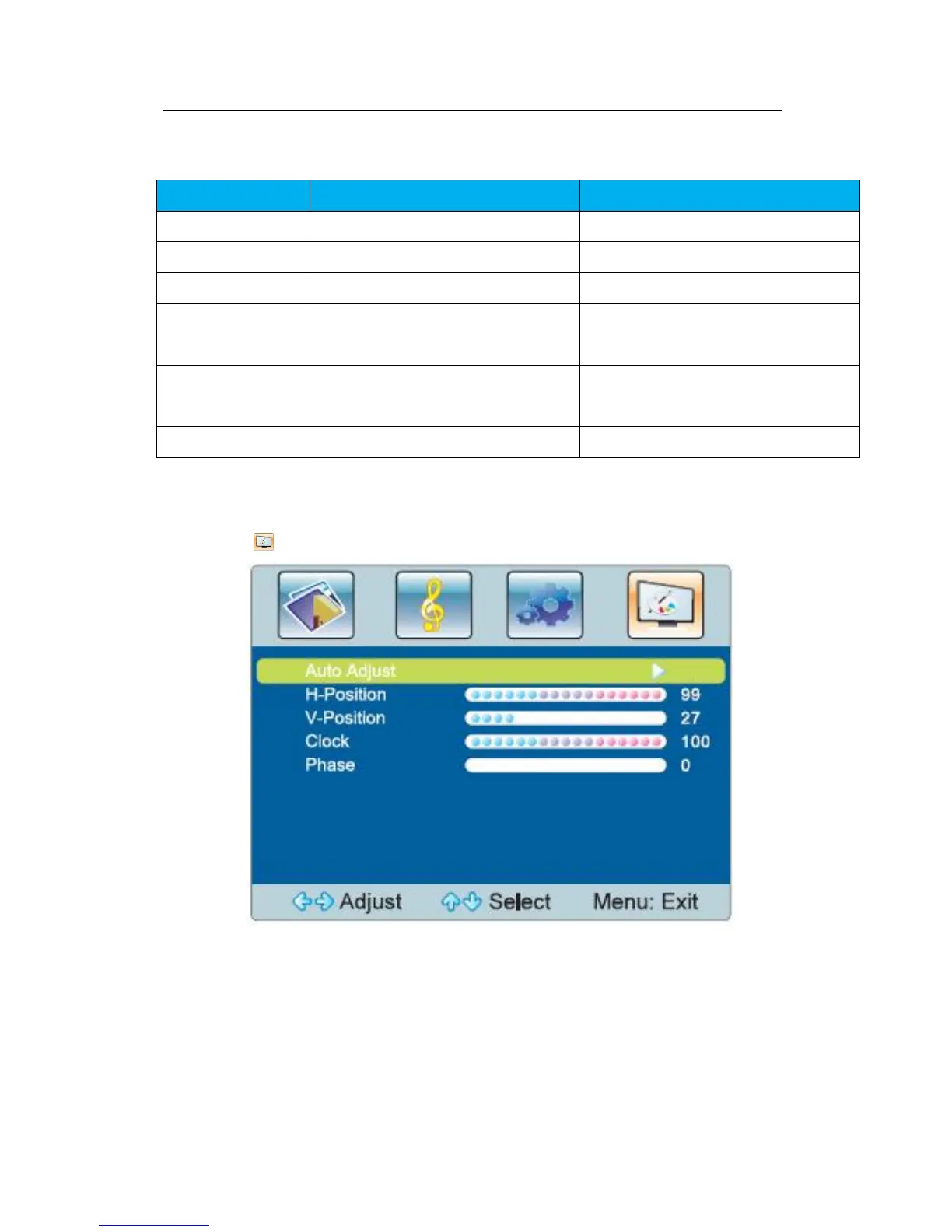
PC menu
Select to display the PC menu, which is available for PC signal source only.
Fig.3-3 PC Menu



 To Next Page