7
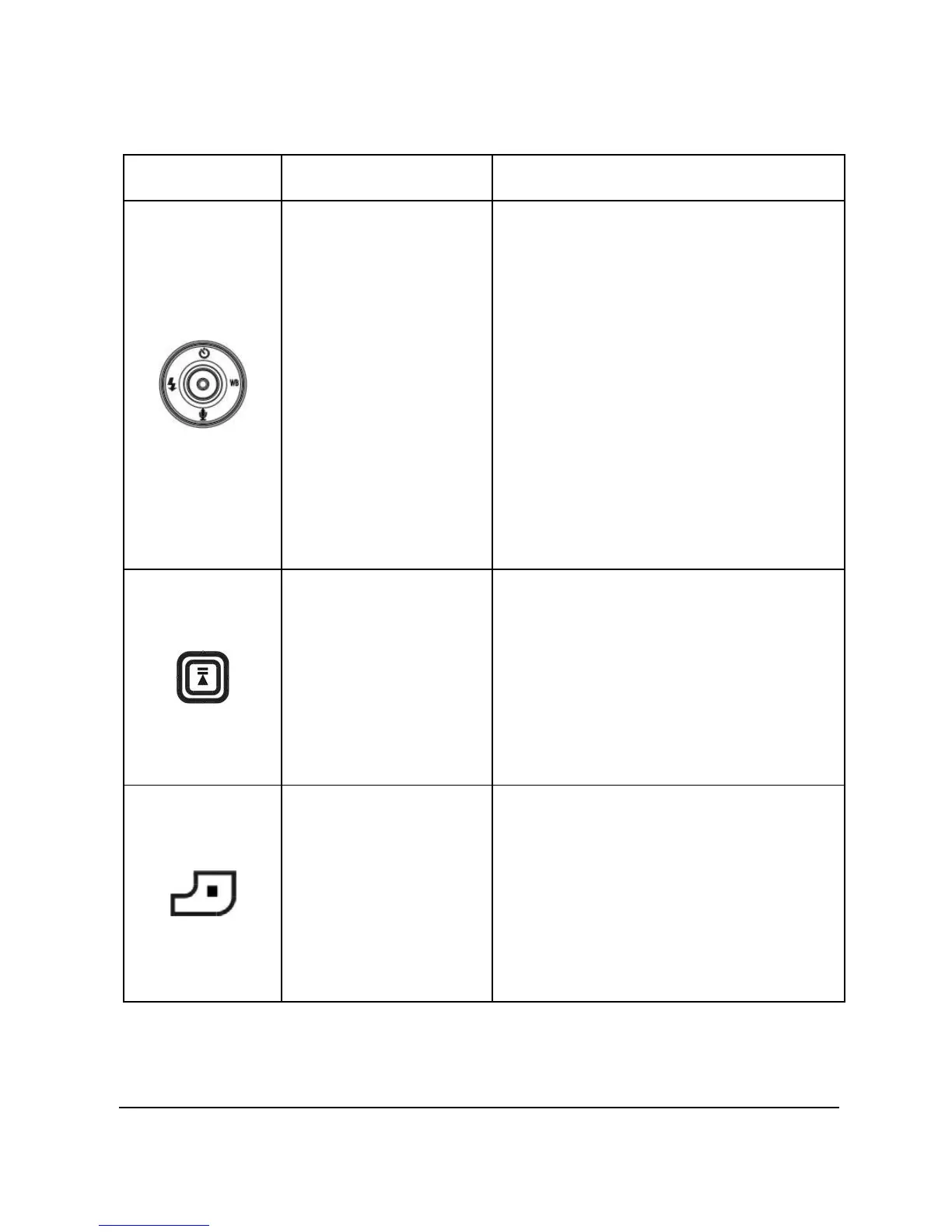
Icon Button Function
Joystick (left /
right / up /
down / OK) &
Joystick ring
1. Use to navigate the OSD
(on screen display) menus.
2. Press the joystick
left/right/up to set flash
modes, white balance
and self-timer
3. Press the joystick down to
enter voice recorder
mode.
4. Press (in) the center of the
joystick (OK) to confirm a
selection.
Play/Pause 1. Press to play or pause while
playing music or voice clip in
music or voice playback
mode.
2. This button has the same
function as pressing into the
joystick (OK).
Stop 1. Press to stop playing when
playing a music or voice clip
in music or voice playback
mode.
2. The button has the same
function as pressing the
joystick down.


 To Next Page