30
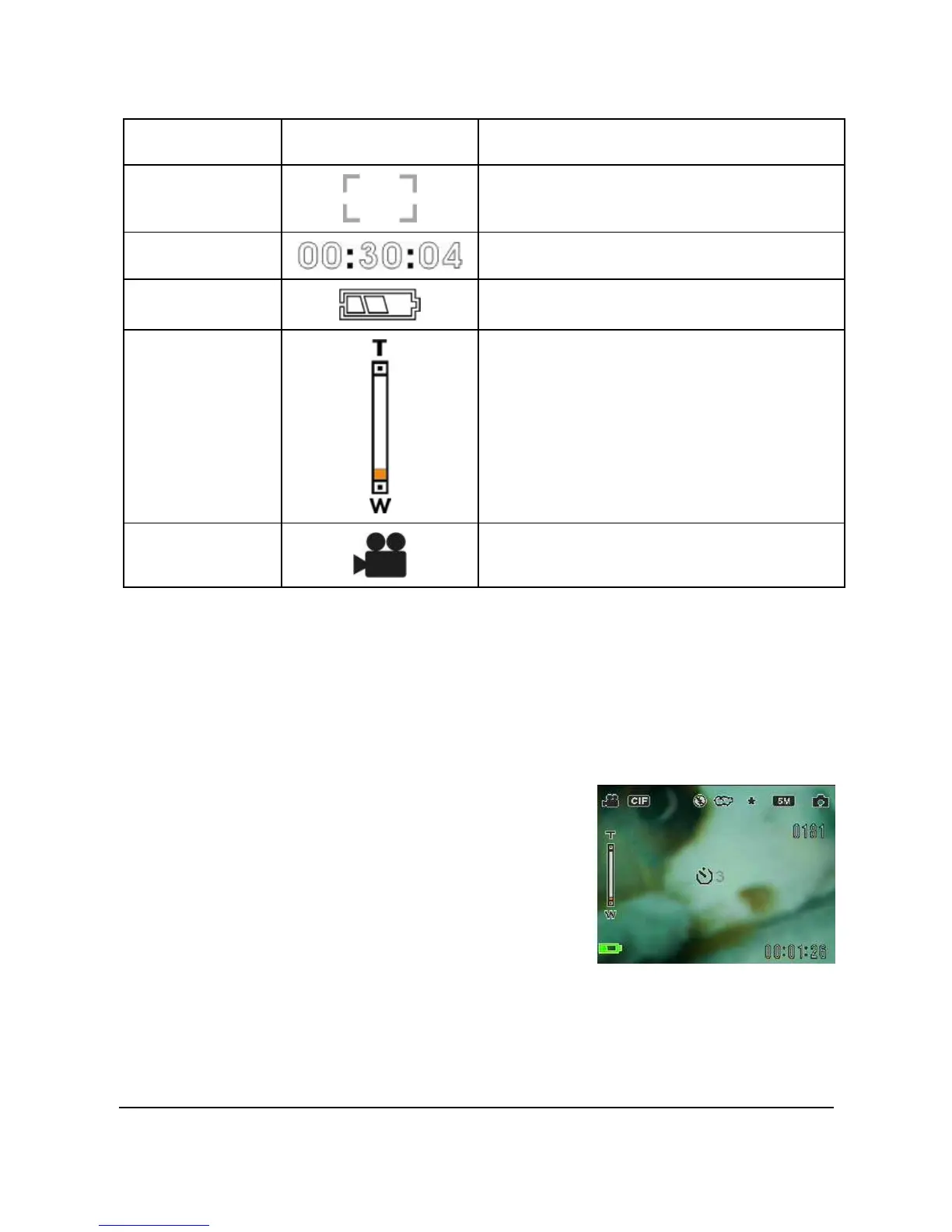
Number Icon Description
8
Focus area
9 Present time
10
Battery indicator
11
Zoom bar
12
Video mode icon
4.2 Using the self-timer function
Use the self-timer function to set a delay between the moment you
press the shutter and the moment the picture is captured. A delay of
3 or 10 seconds can be set. This function can be used in both
capture and record mode.
To set the Self-timer:
1. Turn the camera on.
2. Press the joystick up to select
from Off, 3 sec, or 10 sec. The
selected timer will be shown on
the center of the LCD screen.
3. Press the Capture or Video
record button to start counting down.


 To Next Page