33
6 Taking your first picture
Before shooting your first picture, ensure you have read “1
Introducing the Camera”, “2 Getting Started”, and “3 Using the
Camera” carefully.
To take a picture:
1. Turn on the camera.
2. Use the focus area on
the LCD screen to frame
the picture.
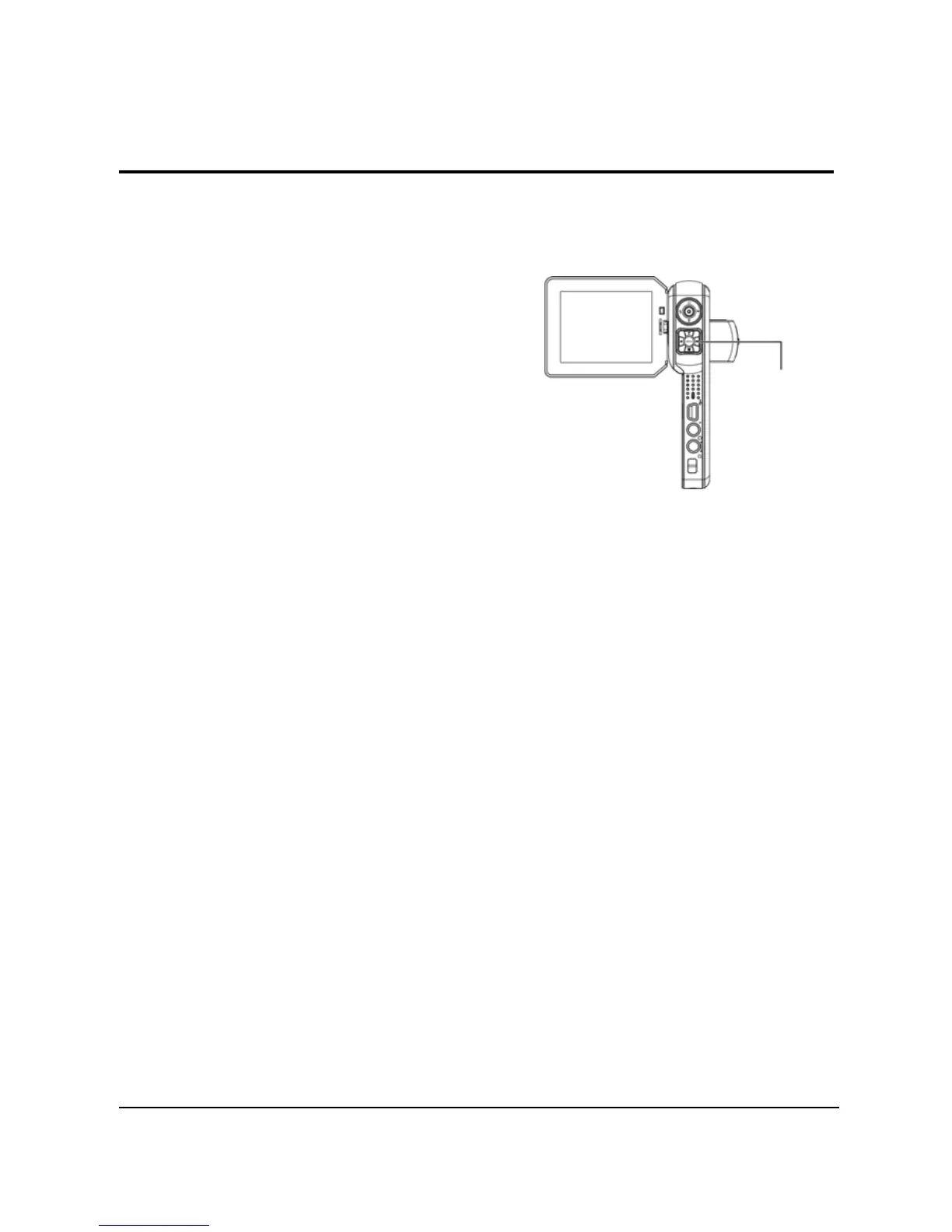
3. Press the Capture button
to capture the picture.
The picture will be saved either on the
SD card or in the internal memory with a unique file name.
6.1 Photo mode settings
Please refer to ”3.4.2 Photo mode” for detailed information.
6.2 Using the zoom function
Please refer to ” 4.5 Using the zoom function” for detailed
information.
6.3 Setting the Flash mode
Please refer to ”4.3 Setting the Flash mode ” for detailed
information.
6.4 Using the self-timer function
Please refer to “4.2 Using the self-timer function” for detailed
information.
Capture button


 To Next Page