51
8.4.1 Import Music files into the camera
Please refer to “3.3.2.1 Mass storage” to learn how to import files
into the camera.
8.4.2 Play list and Music mode buttons
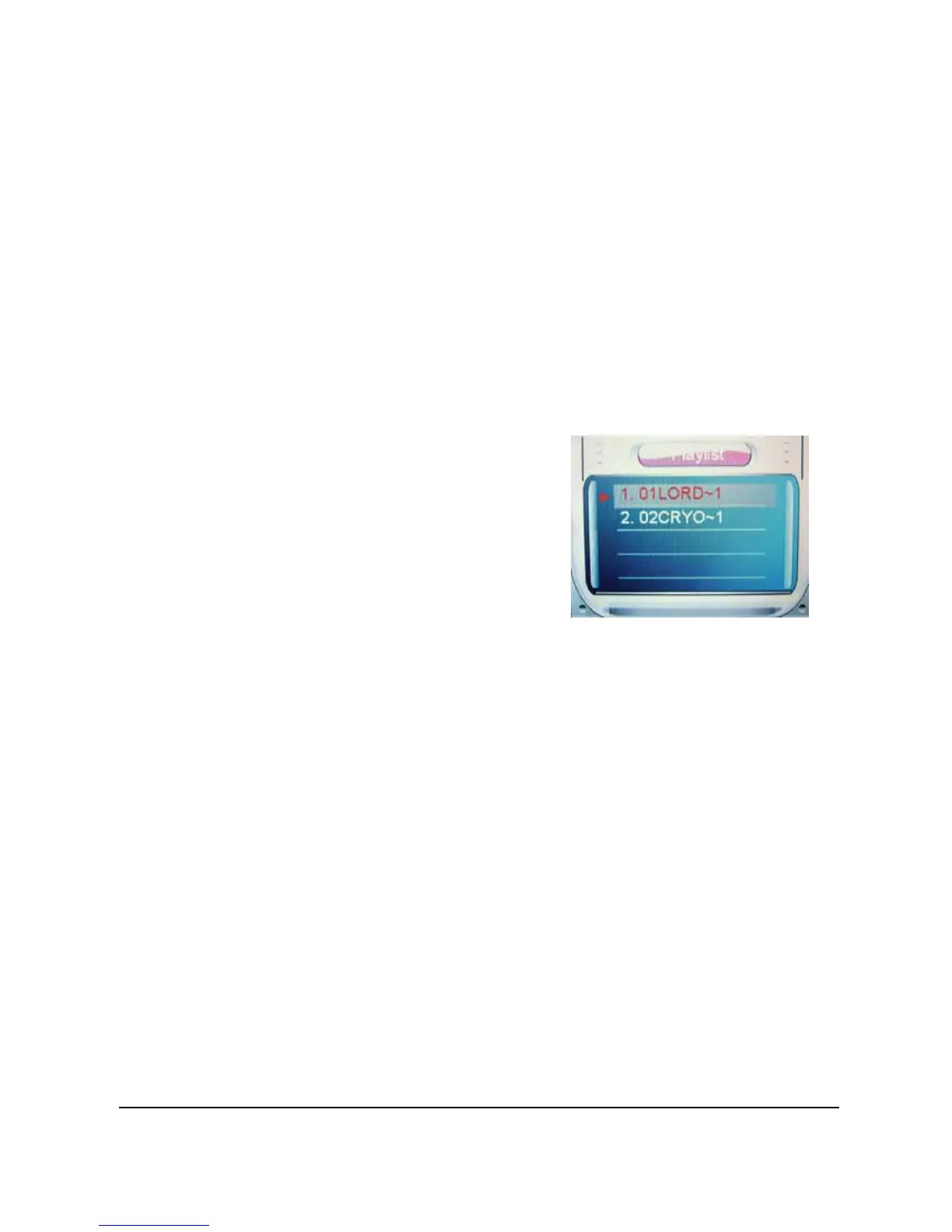
When entering the Music playback mode, a file list will be shown on
the LCD screen.
To play a Music file:
1. Press the joystick up or down in the play list and
highlight the file you want to play.
2. Press in the joystick
(Play/Pause button) to start
playing, and press it again
to pause.
3. Press the joystick down to
stop playing.
4. Press the joystick left or
right (Rewind or Fast forward button) to move to the
previous / next Music file.
5. To adjust the volume, press the T (Zoom in) or W
(Zoom out) button
6. To return to the play list, press the joystick up.
Refer to the table below for detailed functions of each button:


 To Next Page