61
10 Connect to a TV
10.1 View photos and videos on the TV
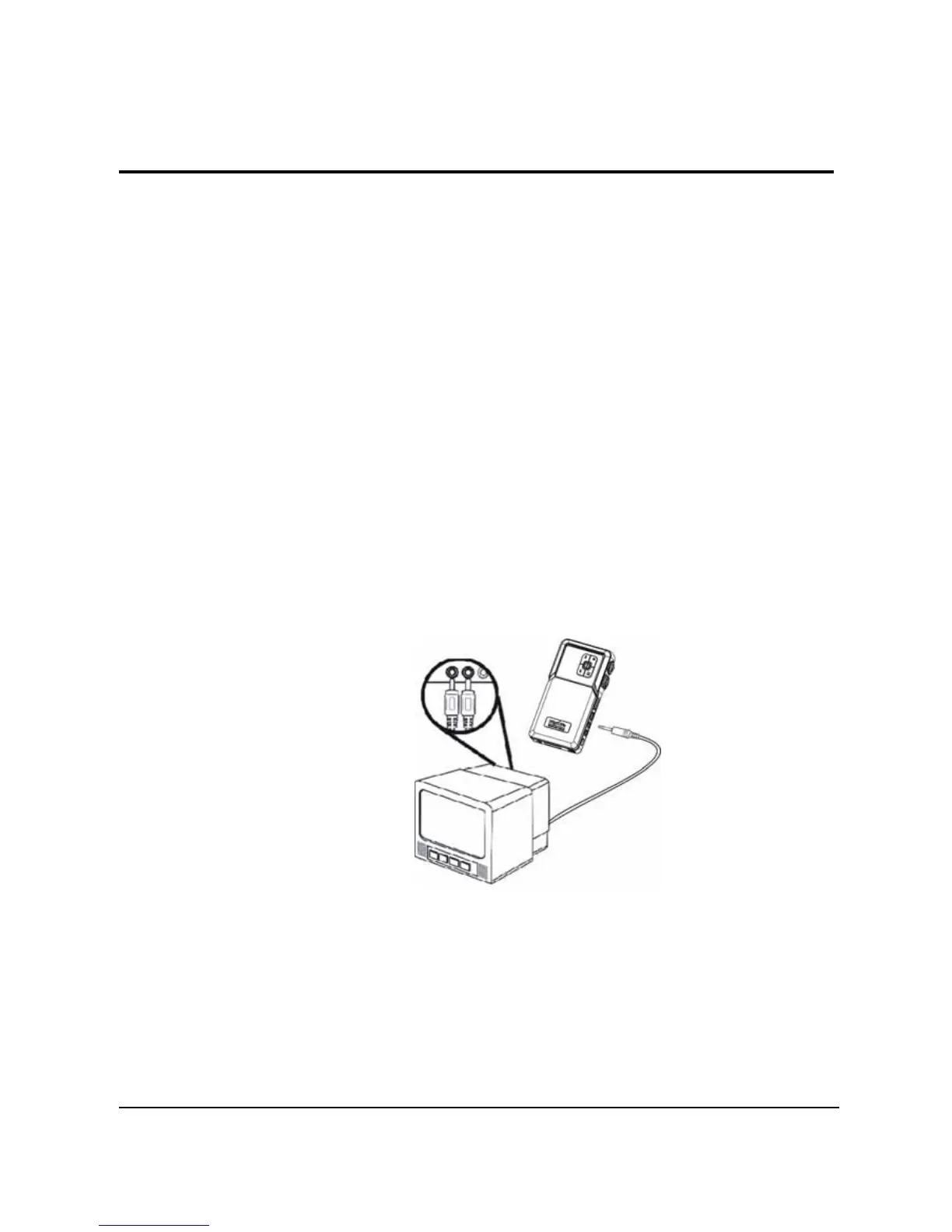
You can connect the camera to a TV and use the TV screen to
review your images and play back your video clips. In addition, you
can also use this camera to record your favorite TV programs.
Before using the feature, you need to make sure that the output
mode is correct. Please refer to ” 3.3.8 TV system “ on page 17 to
set the TV output mode.
To view photos and videos on the TV, please follow these
instructions:
1. Turn on the camera, and press the Playback button to
enter Playback menu.
2. Select a photo or video in Photo or Video playback
mode, and press in the joystick to play.
3. Connect the TV out jack on your camera to the audio /
video input ports on your TV using the AV cable
provided. The LCD screen turns off.
4. Follow the procedures described in “8.1.1 Viewing
photos” on page 35 or “8.2.1 Viewing videos” on page
40 to play the files in your camera.


 To Next Page