13
3 Using the digital video camcorder
Read this section to learn how to use the basic setup menu of this
digital video camcorder.
3.1 Using the LCD display
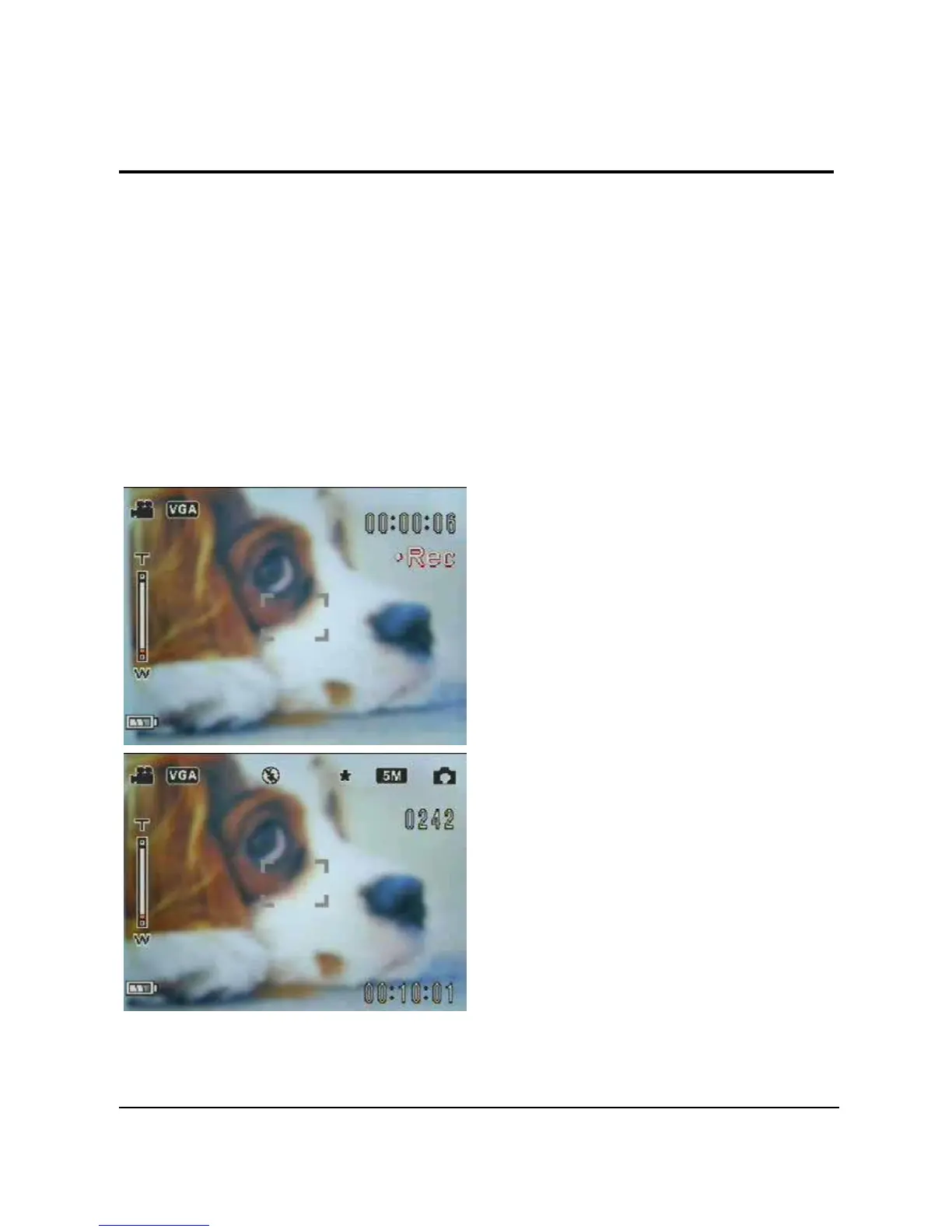
Use the LCD display to compose and review your pictures and
videos stored in memory, and navigate the OSD (On Screen
Display) menu.
Icons displayed on the LCD display also show the current
configuration.
LCD display of video recording
mode
LCD display of preview/capture
mode


 To Next Page