23
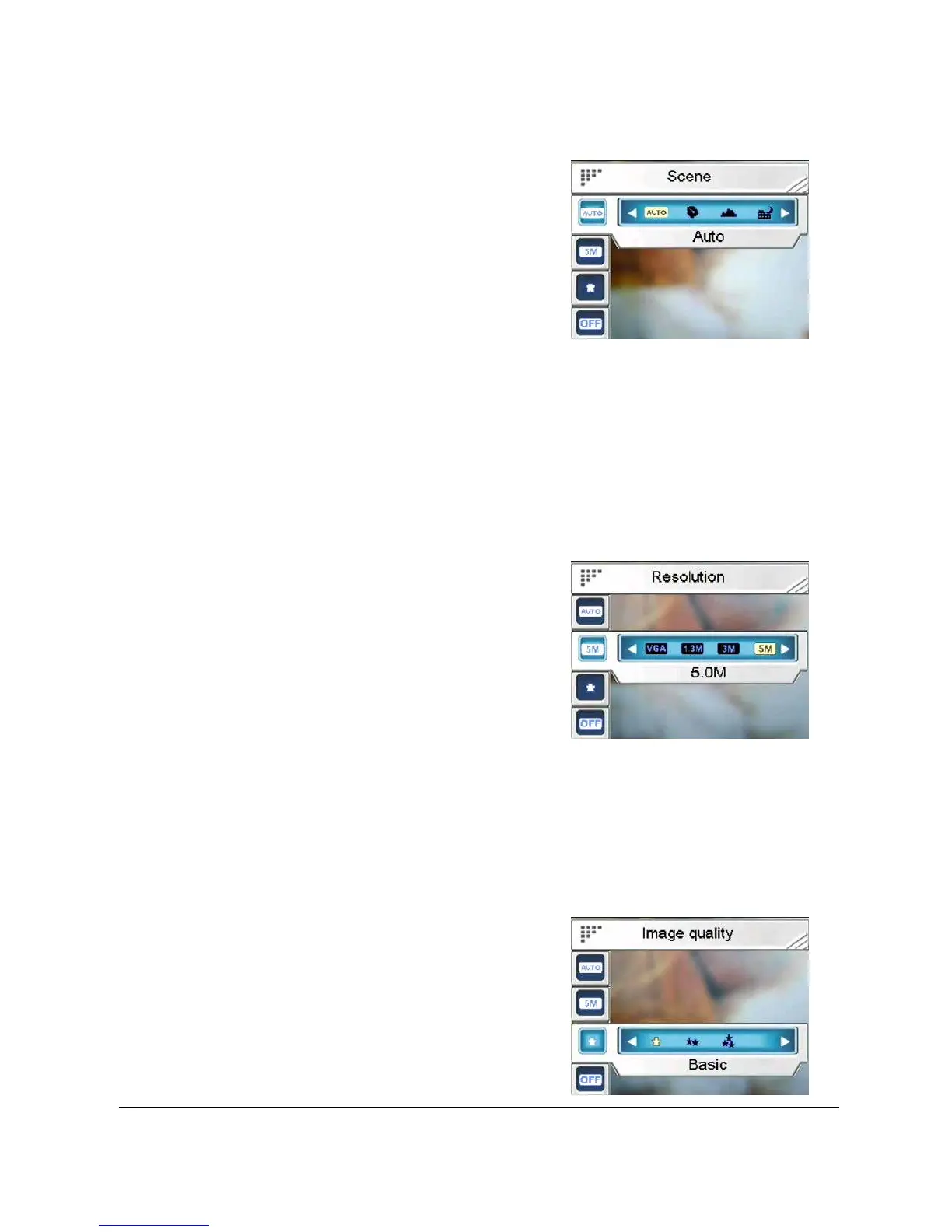
1. Press the joystick up or down to highlight the Scene
option.
2. Press the joystick left or
right to select from Auto,
Portrait, Landscape, Night,
Sport, Night Portrait,
Sunset, Beach Autumn,
Natural, Backlight, Sky or
Party.
3. Press in the joystick to confirm and press the Menu
button again to exit the menu.
3.4.2.2 Resolution
Use this option to determine the resolution
of the picture that is going to be taken. A larger resolution will
occupy more memory storage space.
To set the Resolution:
1. Press the joystick up or
down to highlight the
Resolution option.
2. Press the joystick left or
right to select from VGA, 1.3M, 3.0M, 5.0M, 7.0M or
12.0M.
3. Press in the joystick to confirm and press the Menu
button again to exit the menu.
3.4.2.3 Image quality
Use this option to set the image quality
for the picture you’re going to capture. A
high quality picture occupies more
memory space.
To set the Image quality:
1. Press the joystick up or down


 To Next Page