27
again to exit the menu.
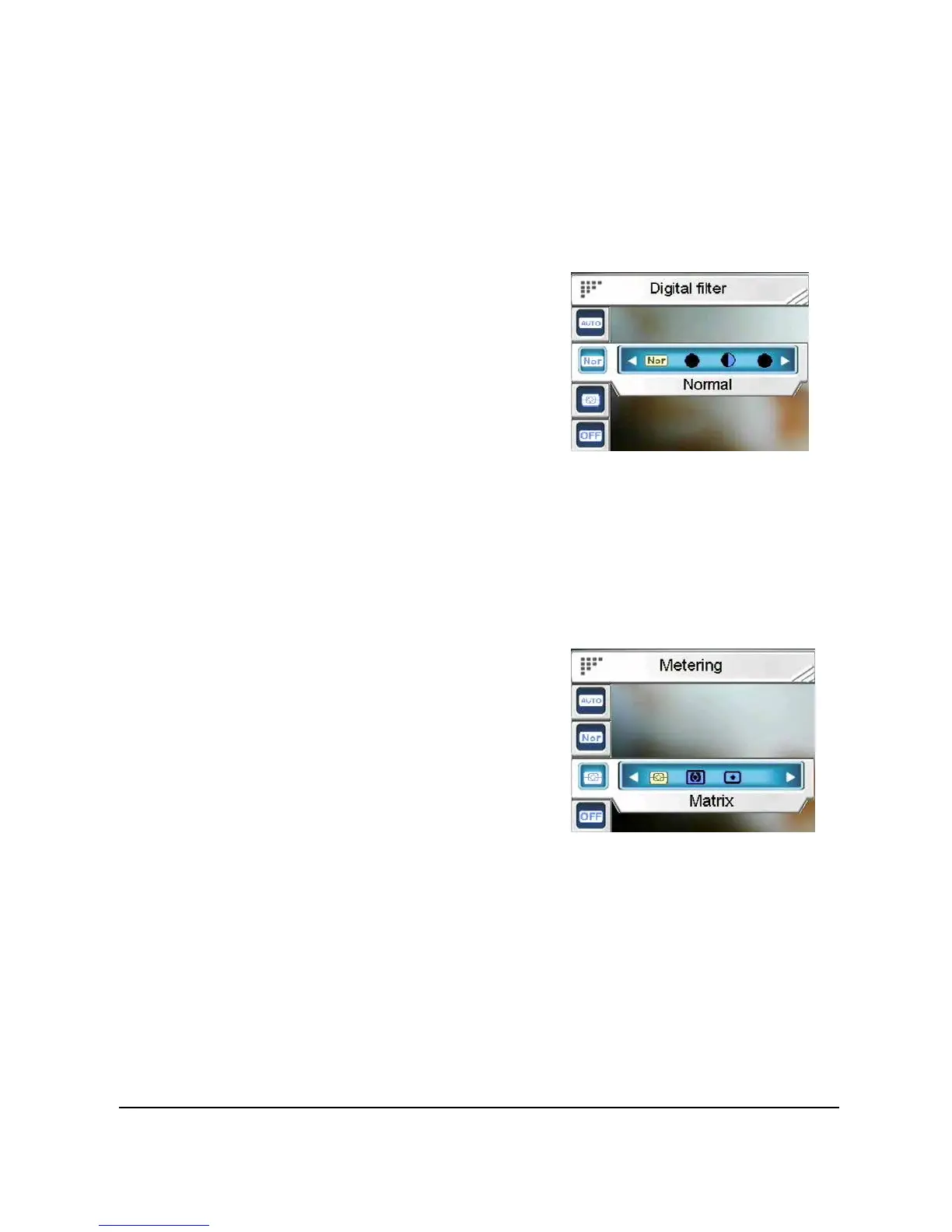
3.4.2.10 Digital filter
Use this option to convert images to different color areas.
To set the Digital filter:
4. Press the joystick up or
down to highlight the Digital
filter option.
5. Press the joystick left or
right to select from Normal,
Sepia, Black & white, Red,
Pink, Purple, Blue, Green,
Yellow, Solarize or Negative.
6. Press in the joystick to confirm and press Menu again
to exit the menu.
3.4.2.11 Metering
This camera provides 3 metering modes (Matrix, Center-weighted
and Spot) to support you with taking
photos in different situations.
To set the Metering mode:
1. Press the joystick up or
down to highlight the
Metering option.
2. Press the joystick left or
right to select from Matrix, Center-weighted or Spot.
3. Press in the joystick to confirm and press Menu again
to exit the menu.
3.4.2.12 Histogram
Use this option to show a graph that displays how light is distributed
in your picture.
To set the Histogram mode:


 To Next Page