56
To set a play mode:
1. Press the Menu button.
2. Press the joystick up or down to highlight the Play mode.
3. Press the joystick left or right to select from Single repeat,
Continuous, Shuffle, or Circular.
4. Press in the joystick to confirm.
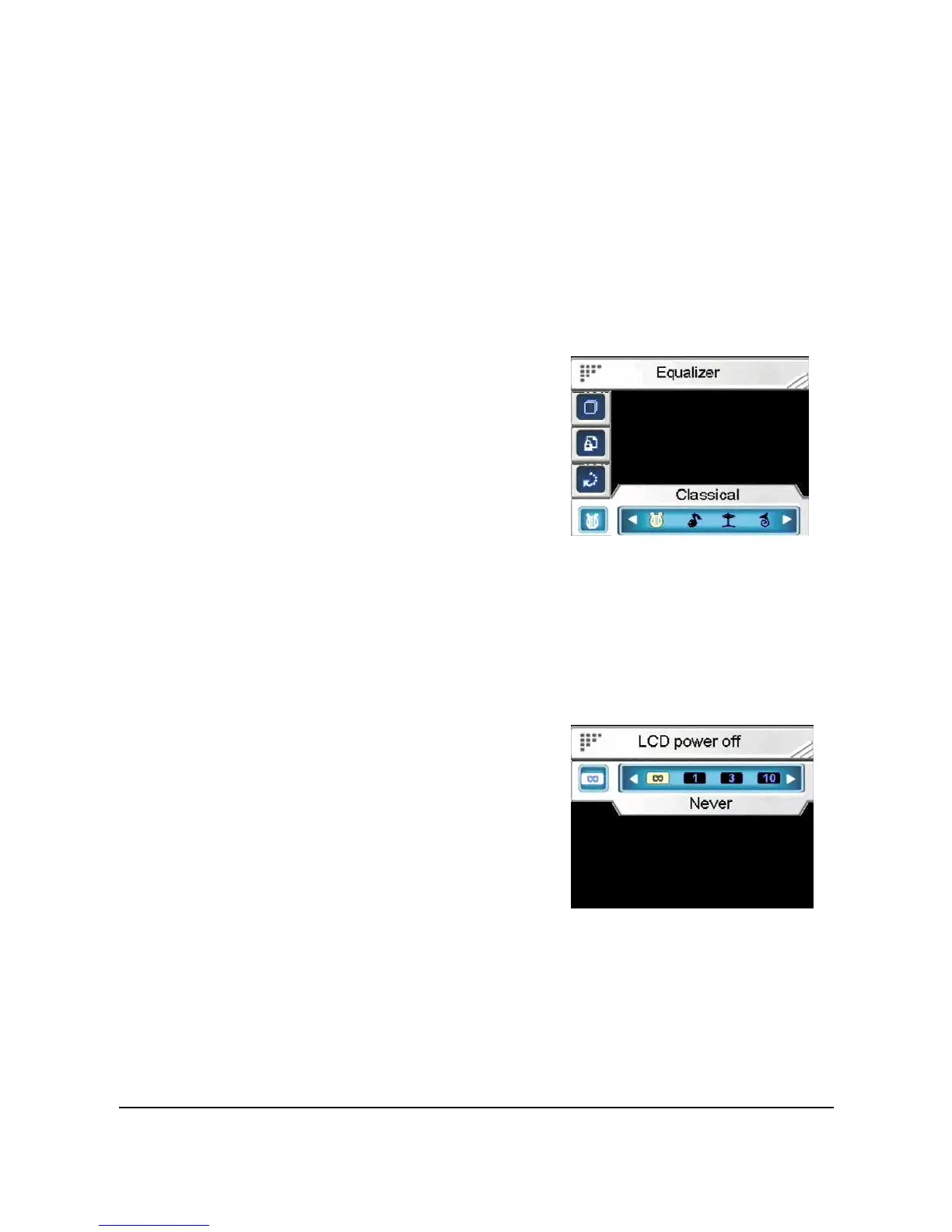
8.4.4.4 Equalizer
Use this option to set an equalizer.
To set an equalizer:
1. Press the Menu button.
2. Press the joystick up or down
to highlight the Equalizer.
3. Press the joystick left or right
to select from Classical, Popular, Rock, or Jazz.
4. Press in the joystick to confirm.
8.4.4.5 LCD power off
Use this option to set a time before the LCD automatically powers
off in Music mode.
To set a LCD power off time:
1. Press the Menu button.
2. Press the joystick up or down
to highlight the LCD power
off.
3. Press the joystick left or right
to select from Never, 1 min, 3 min, or 10 min.
4. Press in the joystick to confirm.


 To Next Page