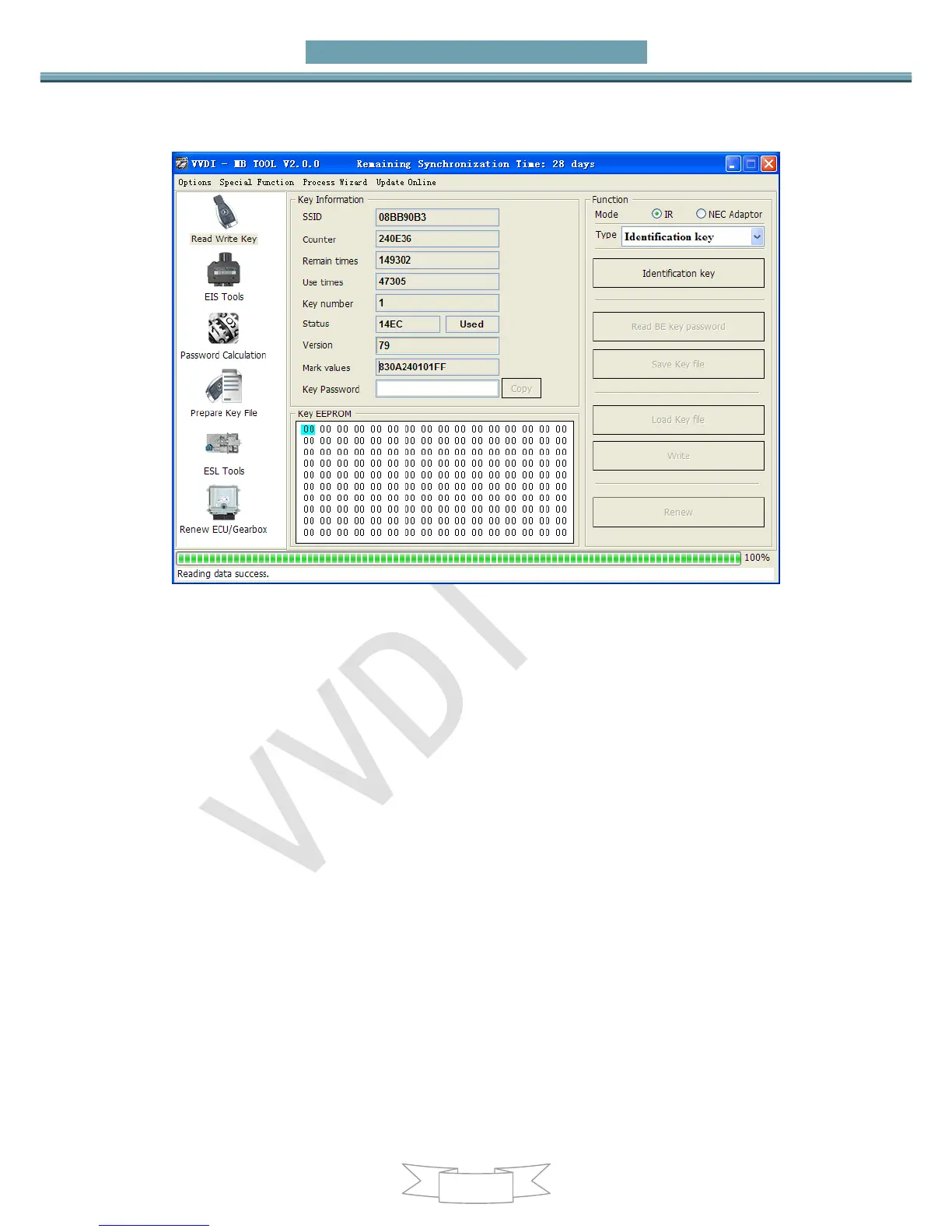
password
2. Connect device OBD line to car. Select OBD mode, chassis select AutoDetect (CAN)
Press Read EIS data. Chassis will turn to specify item after success read
Follow steps 1->2->3->4 in picture and save EIS data
It will save 2 files, VVDI-MB type and HC05 type
There’s default file name when save EIS data. You’d better keep it


 To Next Page