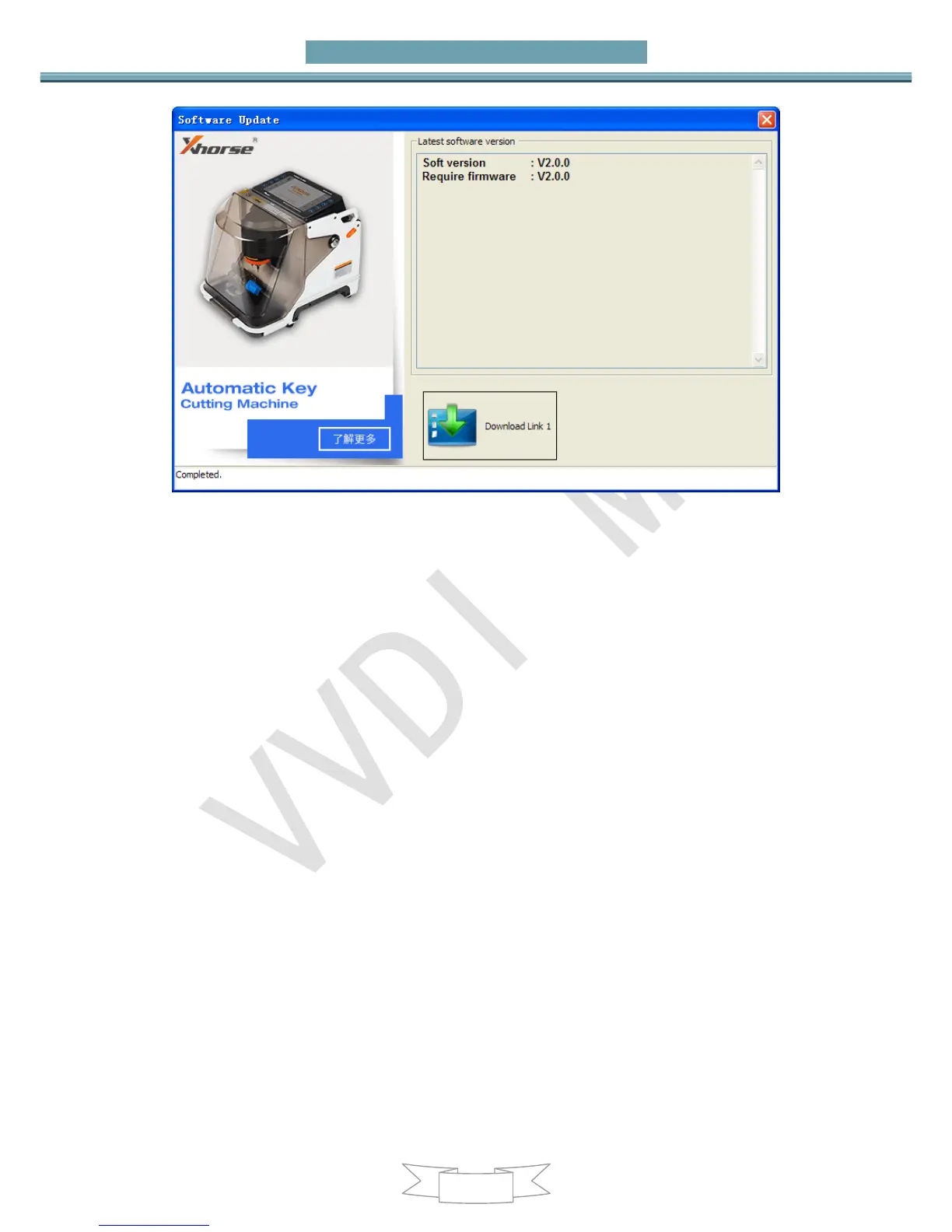
11.3. Latest Update Information
This function require internet support
Use “Menu->Update Online->Latest Update Information” to obtain VVDI-MB TOOL
latest update information
11.4. History Update Information
Use “Menu->Update Online->History Update Information” to obtain VVDI-MB TOOL
history update information
12. Case Description
12.1. W246 EIS with BGA (79) keys, add new key
via OBD
1. Insert working key to device IR reader, Press “Identification key”, check working
key version
If key with BE version, you can read password via IR
If key with v51, v57 version, you can read password via NEC adaptor, or you can
use password calculation
Here key version is 79, belong to BGA key. We use password calculation for key


 To Next Page