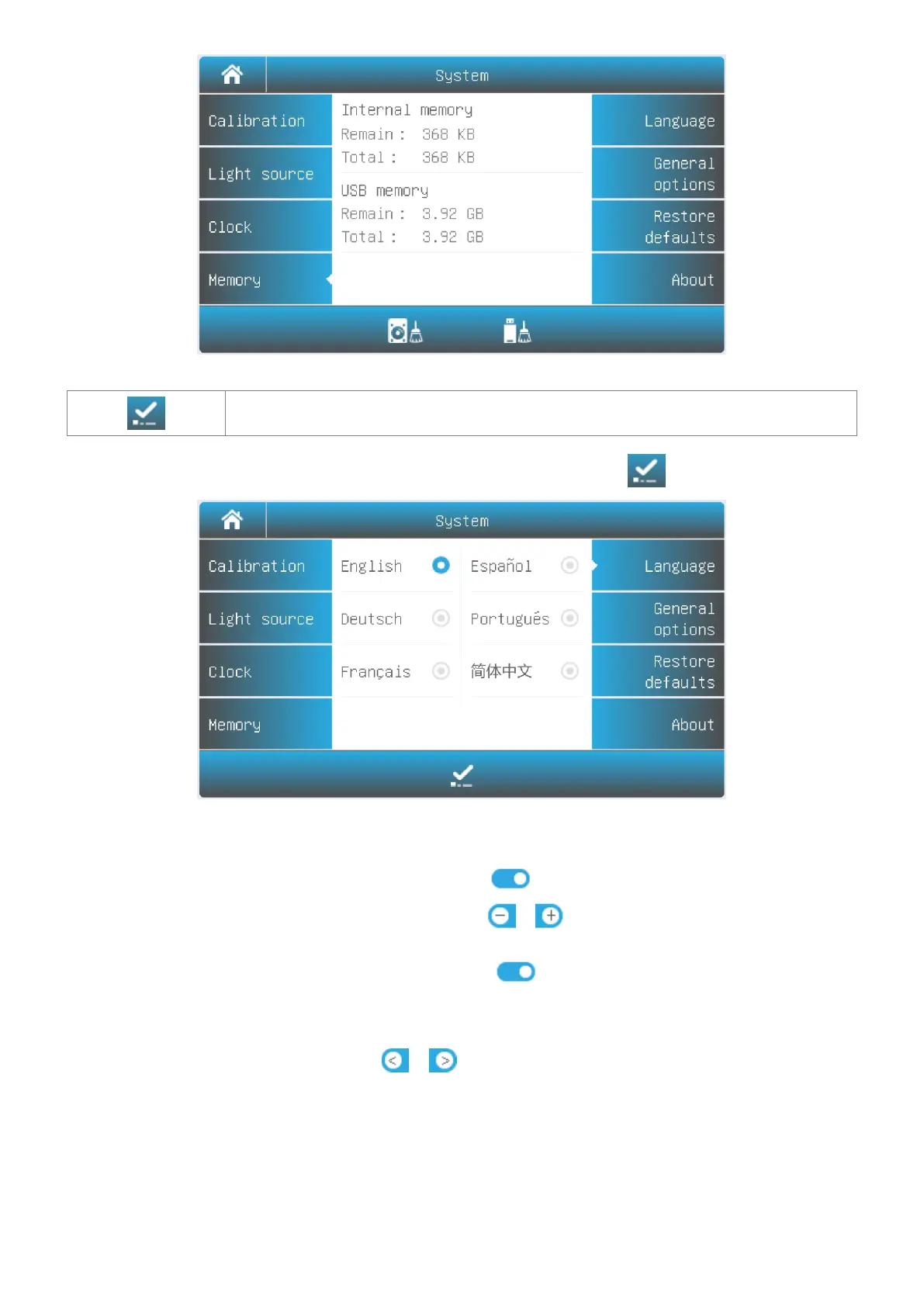
Accept Accept the new language.
Select Tab Language in the System interface. Select a language, press the icon to change.
General Options
Select Tab General Options in the System interface.
Press the icon to turn on/off the beep.
Press the icon / to decrease/increase the brightness of
the LCD display.
Press the icon to turn on/off. If turned on, the display will
close automatically if no operation for 30 minutes.
If you have a new automatic sample holder installed, you need to set
the sample holder type by pressing the icon
/ (AC-5: 5 cells automatic sample holder, AC-8:8 cells
automatic sample holder).


 To Next Page