Run VWR Software Multi Wave Pro
Double click the icon on desktop.
Start→All Files→VWR Software→VWR Software Multi Wave Pro 1.0.
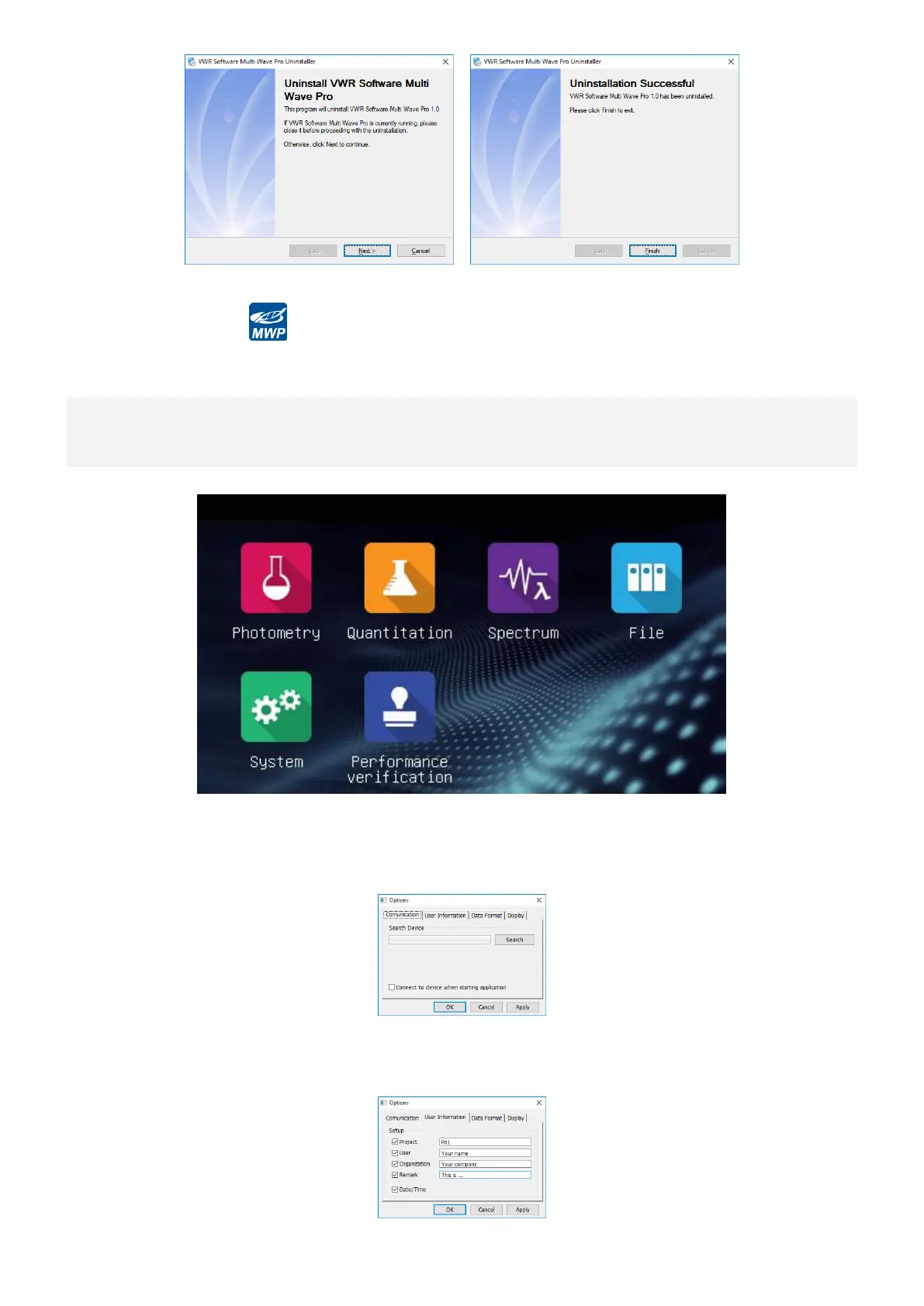
Set up Communication Port
Important information Be sure that the USB line which is connecting PC with instrument
is working and the spectrophotometer is at the standby state interface.
After VWR Software Multi Wave Pro being started, then click Main Menu→Options, a dialog box of Options will
display in the screen, click Search to automatically search the instrument’s communication port, after get the
communication port, click OK to save setting. If you choose the option of Connect to Spectrophotometer When
Start, the instrument will connect to the PC automatically when you run VWR Software Multi Wave Pro next time.
Set User’s Information
Click Main Menu→Options, pop-up Options window, click User’s Information tag, choose it and input relative
user information, click OK to save settings, all this information will appear in your testing report.


 To Next Page