Energy Scan
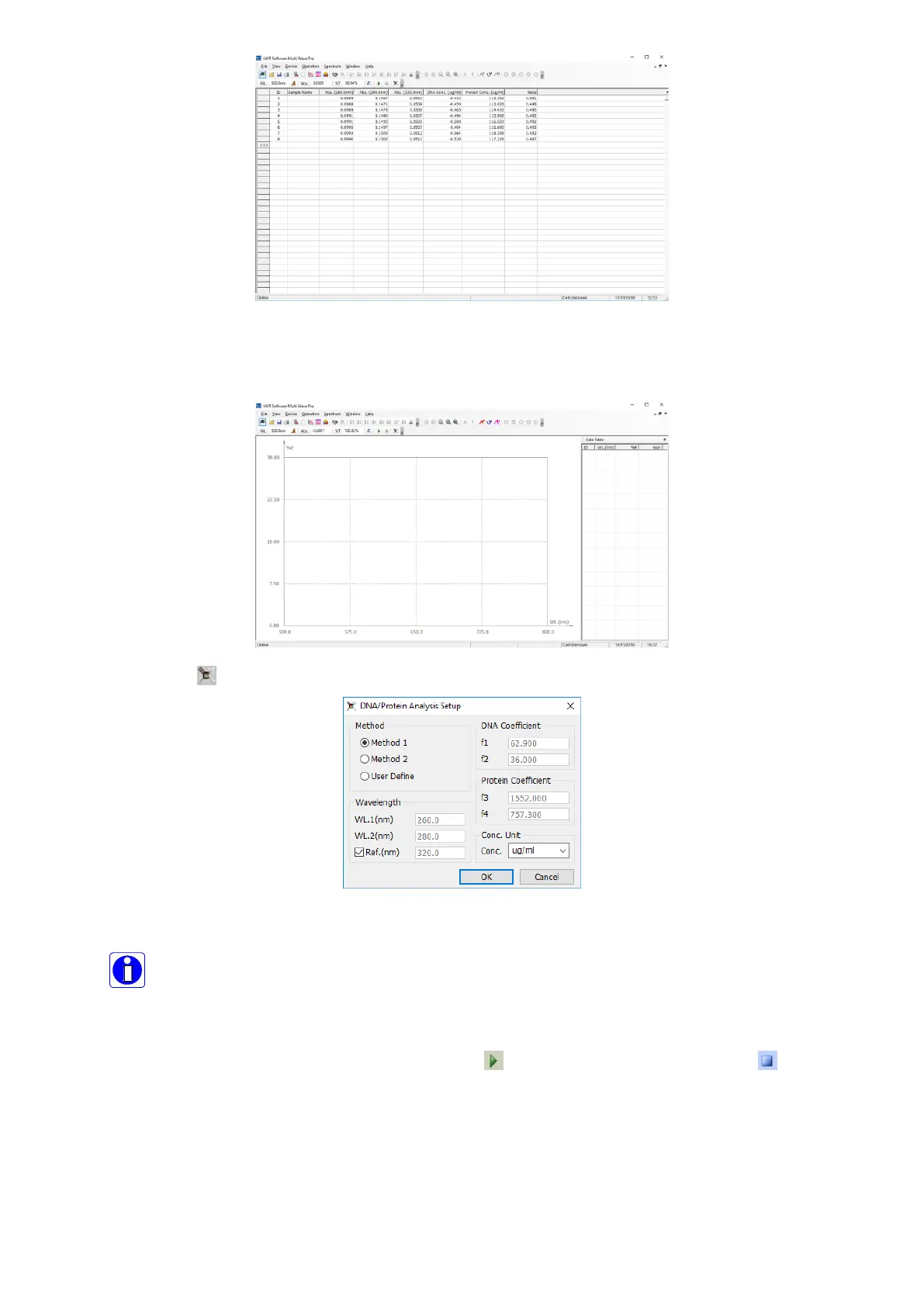
We will introduce how to scan the variability of energy in the range of wavelength.
1. Click Main Menu→File→New→Energy Scan to build Energy Scanning;
2. Click the icon on the Tools Bar to set parameter;
3. Select Lamp Switch Mode, Wavelength Range, Intervals, Repeat Times and Coordinate Range;
▪ Automatic Switch Mode---The instrument can choose D2 Lamp or W Lamp according to
setting;
▪ Deuterium Lamp Mode---Using Deuterium Lamp in the whole wavelength;
▪ Tungsten Lamp Mode---Using Tungsten Lamp in whole wavelength.
4. Click OK to finish and exit setting;
5. Pull the unknown sample in the light path, click the icon in Tools Bar to start scanning, click to
interrupt scanning and exit the course;


 To Next Page