16 VWR MEGA STAR 3.0 / 3.0R ver b, rel 25.06.2020
Getting Started and Operation
Switch on Centrifuge
1. Turn on the power switch on the back of the device.
The device performs a self-check of its software.
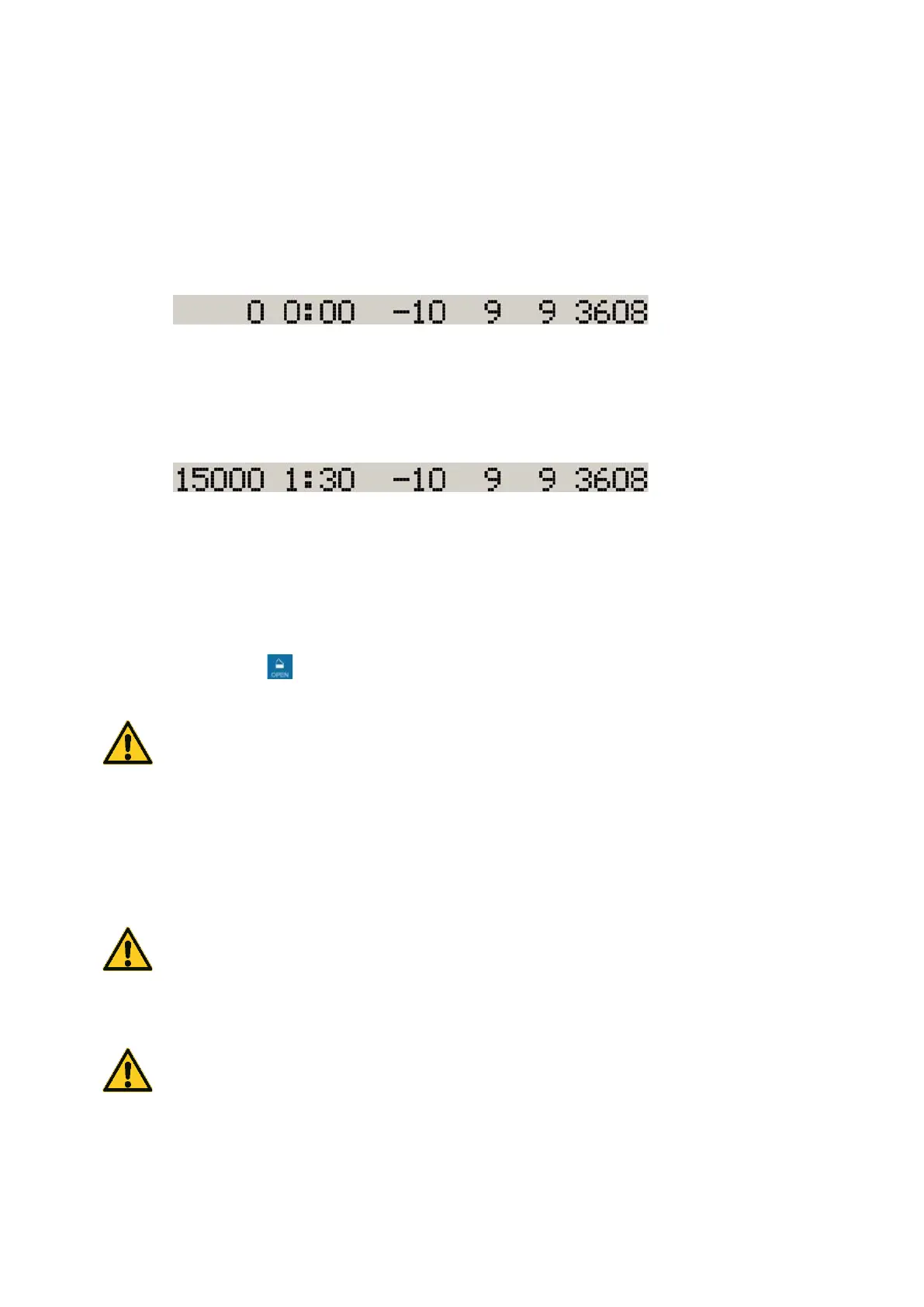
1. When the centrifuge lid is closed the following display shows:
The speed and time displays read 0. The temperature indicator displays the current temperature
inside the rotor chamber. The preset acceleration and braking curves and the selected bucket are
also displayed.
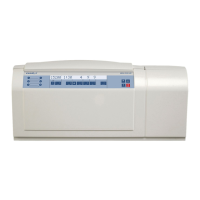
2. When the centrifuge lid is open the following display shows:
The speed and time displays show the preset values. The temperature indicator displays the
current temperature inside the rotor chamber. The preset acceleration and braking curves and
the selected bucket are also displayed.
Lid Opening
Press the OPEN key .
WARNING Do not reach into the crack between the lid and the housing. The lid is drawn shut
automatically.
Use the emergency release only for malfunctions and power failures.
Close Lid
Close the lid by pressing down on it lightly in the middle or on both sides of it. One lock closes the lid
completely.
Note: The lid should audibly click into place.
WARNING Do not reach into the crack between the lid and the housing. The lid is drawn shut
automatically.
Rotor installation
CAUTION Unapproved or incorrectly combined accessories can cause serious damage to the
centrifuge.
The centrifuge is equipped with an Auto-Lock™ locking system.
This system is used to automatically lock the rotor to the centrifuge spindle. The rotor does not have to be
bolted on to the centrifuge spindle.









 To Next Page