20 VWR MEGA STAR 3.0 / 3.0R ver b, rel 25.06.2020
The rotor chamber is cooled down or heated up to the preset temperature.
5. Press the STOP key .
The display shows the current temperature inside the rotor chamber.
Bucket selection
Bucket selection is only possible for swing-out rotors. The bucket code corresponds to the last four digits of
the bucket catalog number.
1. Press the BUCKET key .
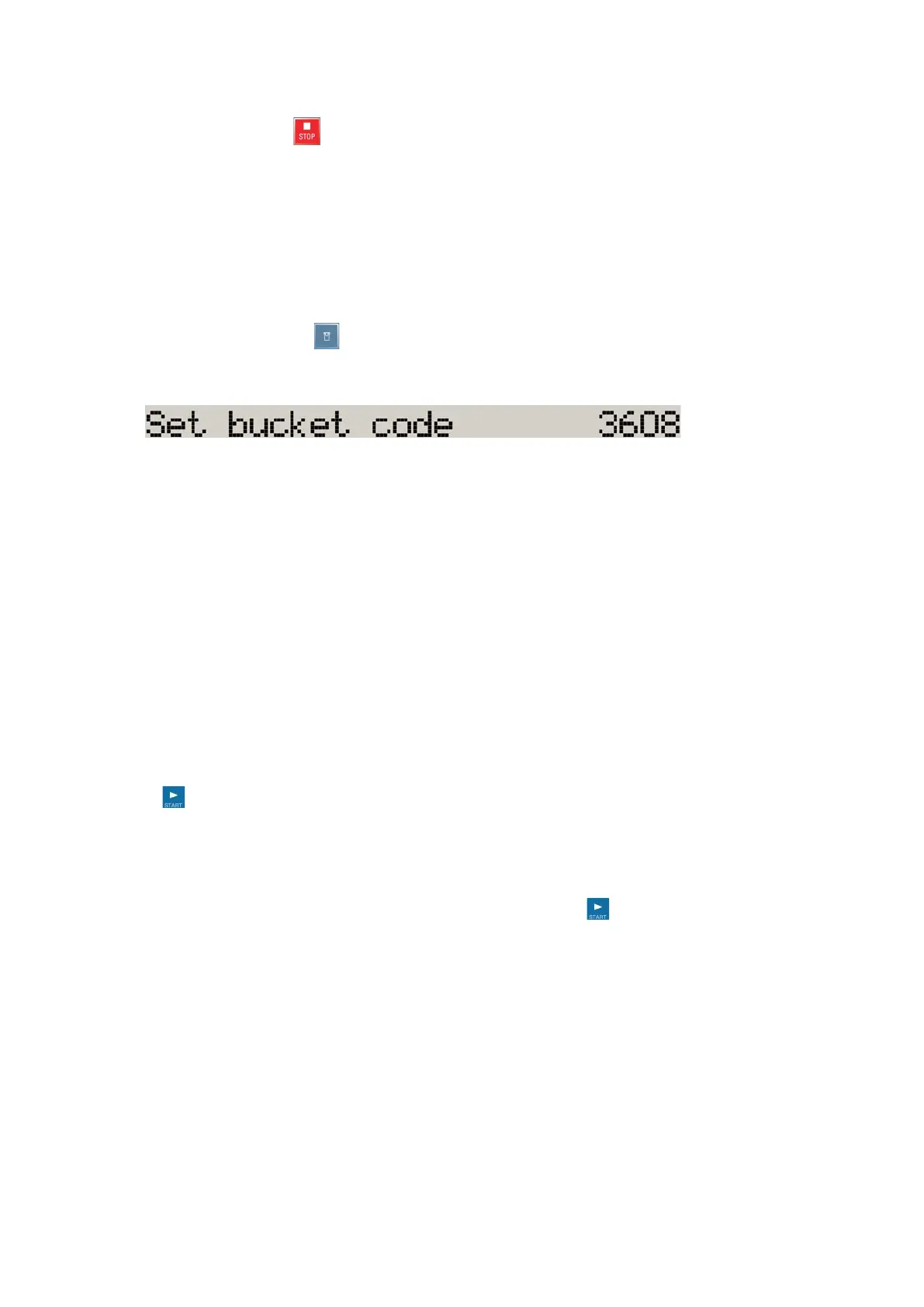
The display shows the following message:
2. Press the BUCKET key repeatedly until the bucket being used is displayed.
Saving programs
1. Enter the program parameters.
2. Press any of the program store keys for 4 seconds.
Centrifugation
Once the rotor has been properly installed, the main switch has been turned on and the lid has been closed,
you can start centrifuging.
Starting centrifuge program
Press the key on the control panel. The centrifuge accelerates to the preset speed with the time display
active.
If the speed setting is higher than the maximum permissible speed or RCF-value for the particular rotor, then
the display will show the message max. 4,700 rpm once the centrifuge has been started.
Within 15 seconds you can apply this value by pressing the START key again, and the centrifuging
program will continue. Otherwise the centrifuge will stop and you will have to enter a valid number.
You cannot open the lid as long as the centrifuge is running.
Imbalance indicator
If a load is imbalanced, this will be indicated at speed higher than approx. 300 rpm by the message
"Imbalanced load".
The run will terminate.
Check the loading and start the centrifuge once again. See the information on proper loading in the
rotor instruction manual. For information on troubleshooting.









 To Next Page