4
Introduction and description
Entering parameters
4-6 VWR MICRO STAR 17 / 17R
Continuous operation
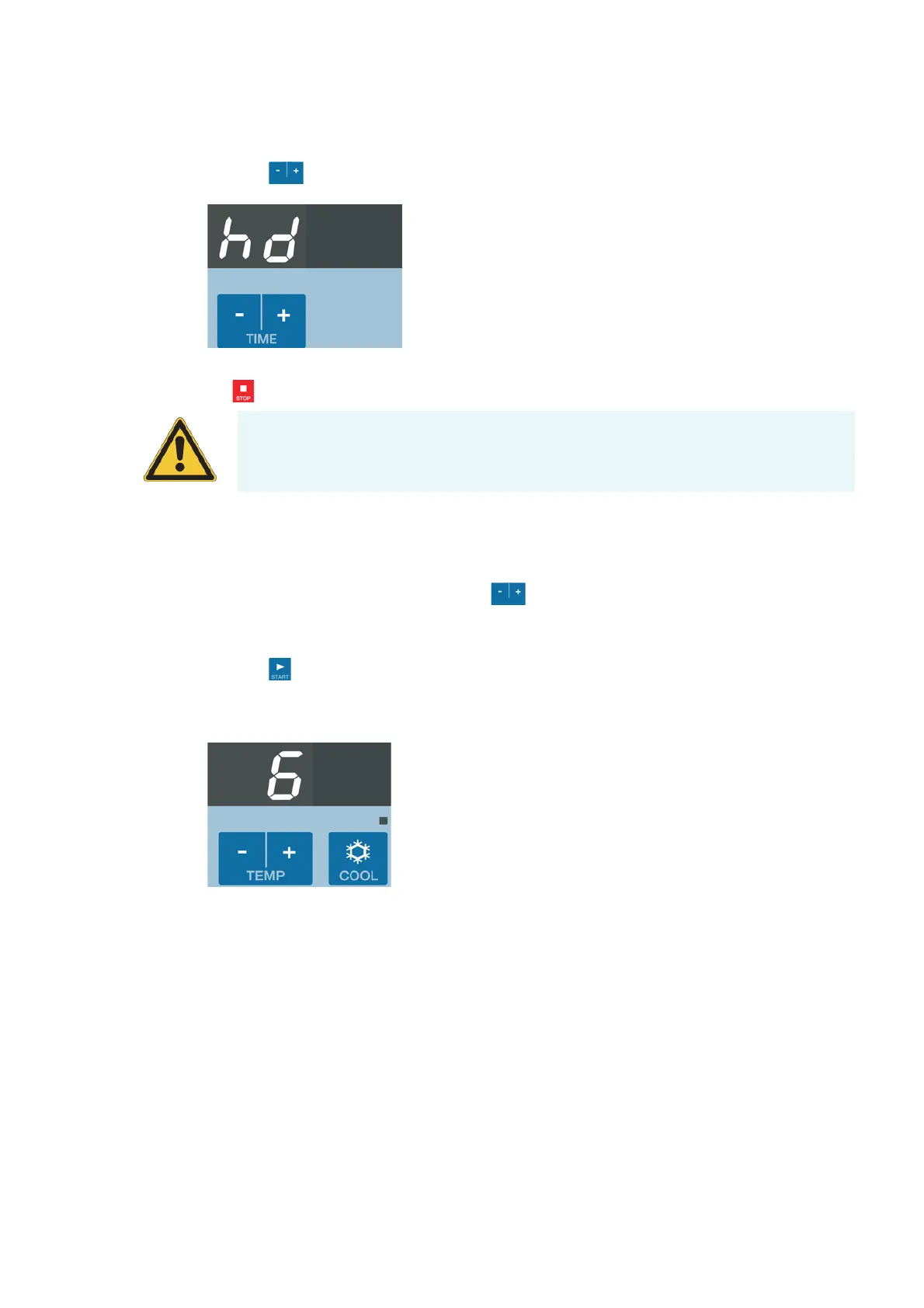
1. Press the key until hd is shown.
2. During continuous operation, the centrifuge will continue running until you stop it manually with
the key.
Preselecting the temperature
You can determine the sample temperature in °C. Proceed as follows:
1. Enter the desired value by pressing the key under the right display repeatedly, until the
desired value shows.
You increase or decrease the temperature in steps of 1 °C.
2. Press the key to confirm the preselected value.
If you do not press any key, the display flashes for a few seconds The new preselected value is now
stored and the display shows the actual value.
3. The display shows:
4. Restart the centrifuge.
The refrigeration starts operating if the pre-selected temperature is below the current temperature
of the rotor chamber.
Prewarming or precooling the centrifuge
In order to pretemp the centrifuge and the unloaded rotor proceed as follows:
CAUTION Please note that the lifetime of particularly plastic rotor tubes is
limited.Continuous operation (extended use) may cause damage to them.


 To Next Page
 Loading...