VXi BlueParrott
®
B250-XT+ User Guide
6
CHARGING THE HEADSET
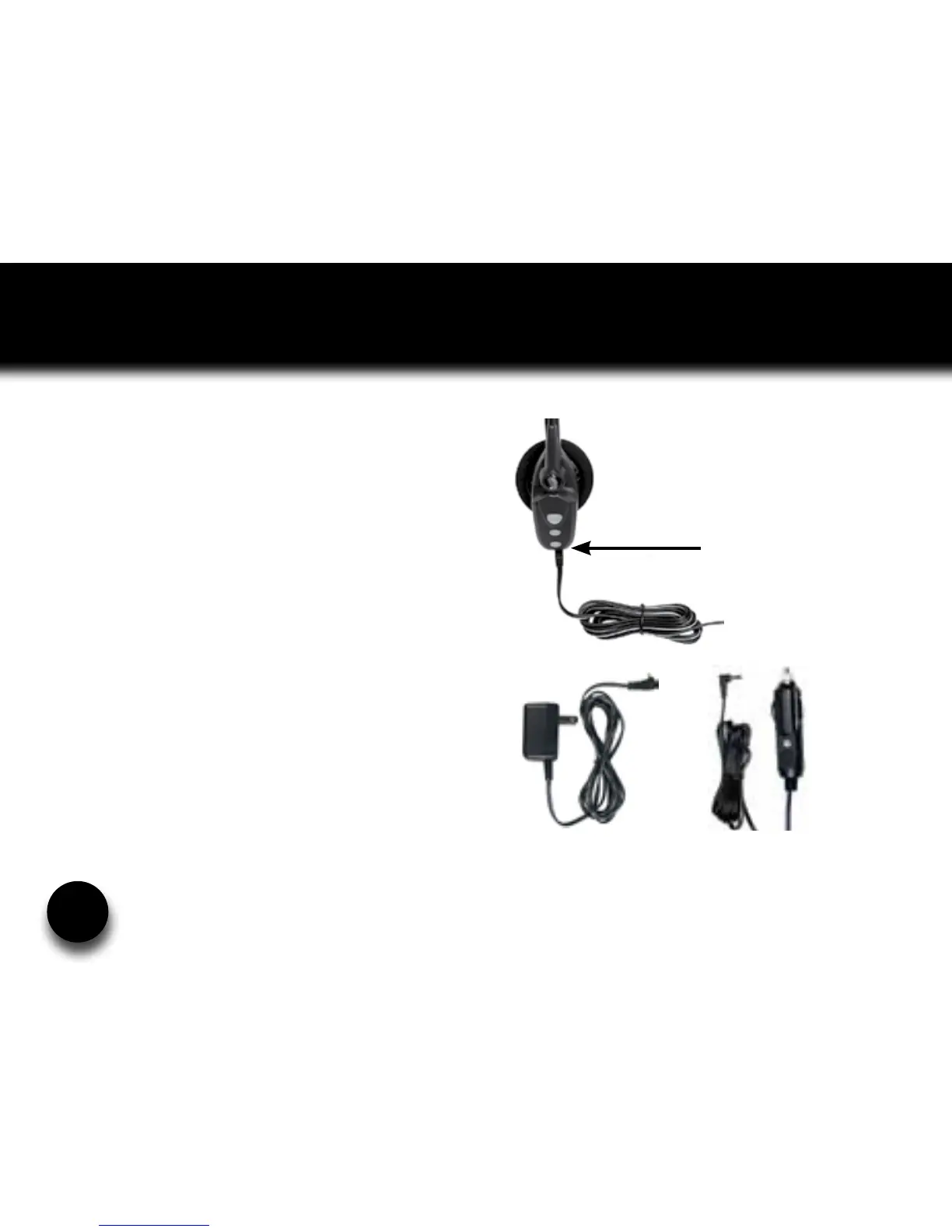
Connect charger cord into the headset’s
charging port. The MFB’s indicator light
may turn green for several seconds while
the headset determines the level of charge
the battery is holding. Do not remove the
headset from the charger. If the headset is
not fully charged, the indicator will turn RED
within a short period (less than 3 minutes).
When the indicator turns green—and stays
green—the unit is fully charged. A fully
discharged battery will need approximately
3.5 hours to achieve a complete charge.
AC Charger
Headset Charging Port
Auto (DC) Charger










 To Next Page