8
VXi BlueParrott
®
B250-XT+ User Guide
HEADSET CONTROLS
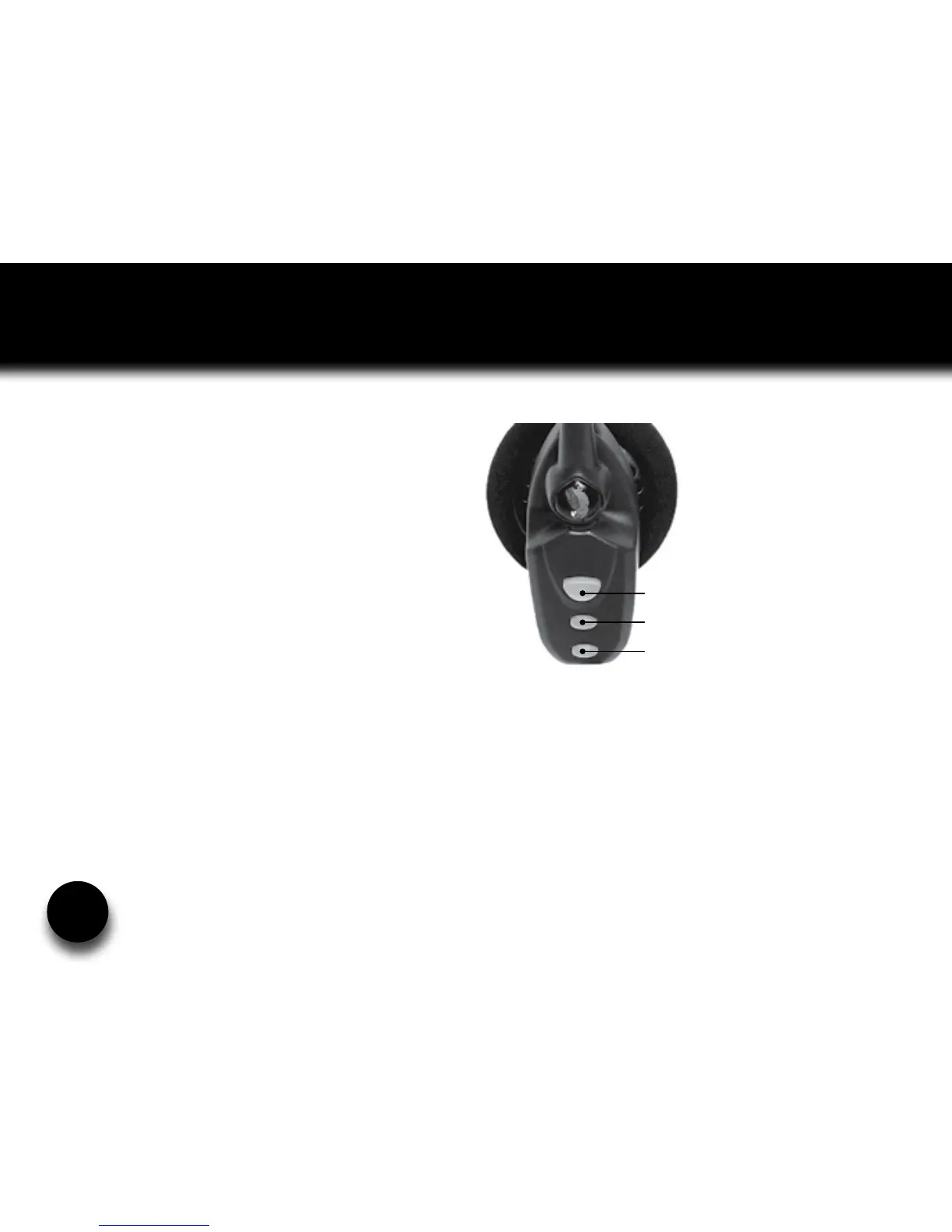
Volume Increase: Quickly press and release
the Volume Up/Mute button. Repeat until
desired volume is attained.
Volume Decrease: Quickly press and release
the Volume Down button. Repeat until desired
volume is attained.
Microphone Mute/Un-Mute: While in
standby or on a call, hold down the Volume
Up/Mute button for 2 seconds until you hear a
beep. A mute reminder will be heard every 10
seconds. Repeat button press to un-mute.
Multifunction Button (MFB) &
Indicator Lights
Volume Up / Mute
Volume Down











 To Next Page