33
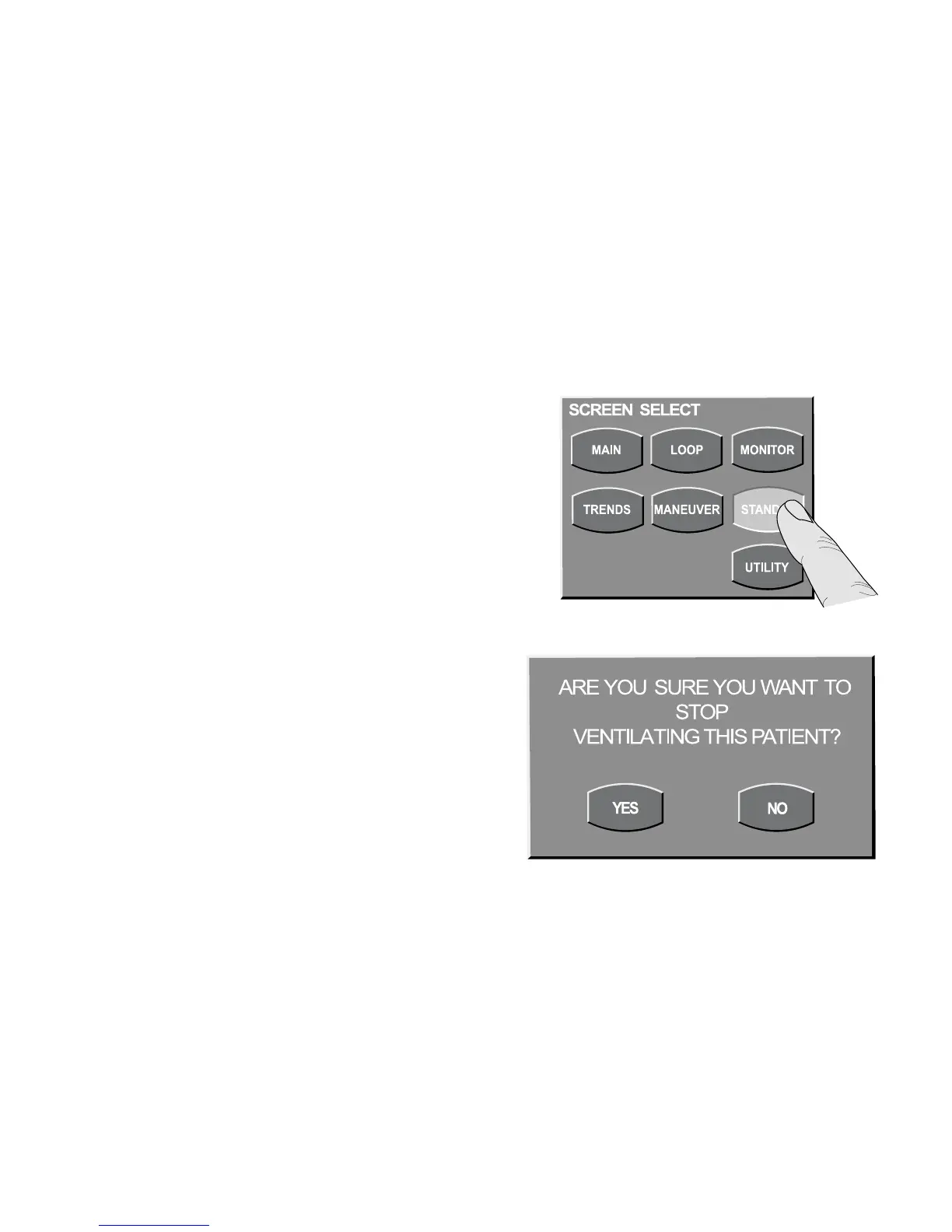
Standby
When activated, Standby retains the primary
controls, advanced settings and alarm limits when
the patient is away from the ventilator. To initiate
Standby, press the screen’s membrane button.
The Standby Check message appears, asking
you to confirm your intent to stop ventilation.
The patient should be disconnected from the
ventilator prior to the user initiating Standby.
If YES is selected, ventilation stops, the safety
valve closes and the ventilator supplies 2 L/min
of gas continuously to the circuit. This supply
reduces the risk of an overheated circuit if an
active humidifier is in use and left on.



 To Next Page