5
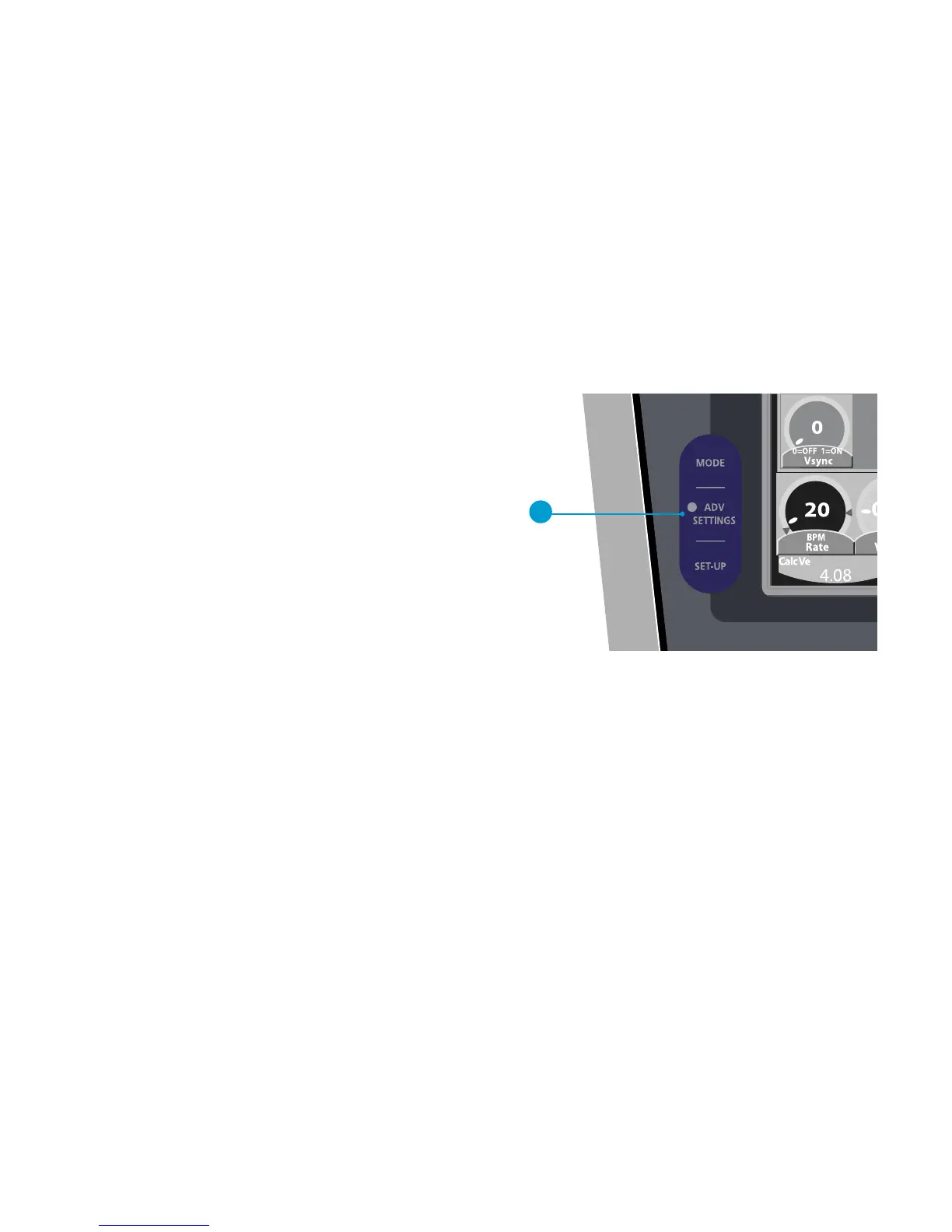
To set advanced settings, press the ADV
SETTINGS button on the lower left of the
user interface. Advanced settings refine the
breath delivery beyond the primary breath
control settings. Press the ADV SETTINGS
button for the desired primary control.
Not all primary controls have advanced
settings. Primary controls with advanced
settings are marked with a yellow triangle.
Detailed descriptions of all advanced
settings are in section 3.
A. ADV SETTINGS button
Setting advanced settings
A



 To Next Page