4
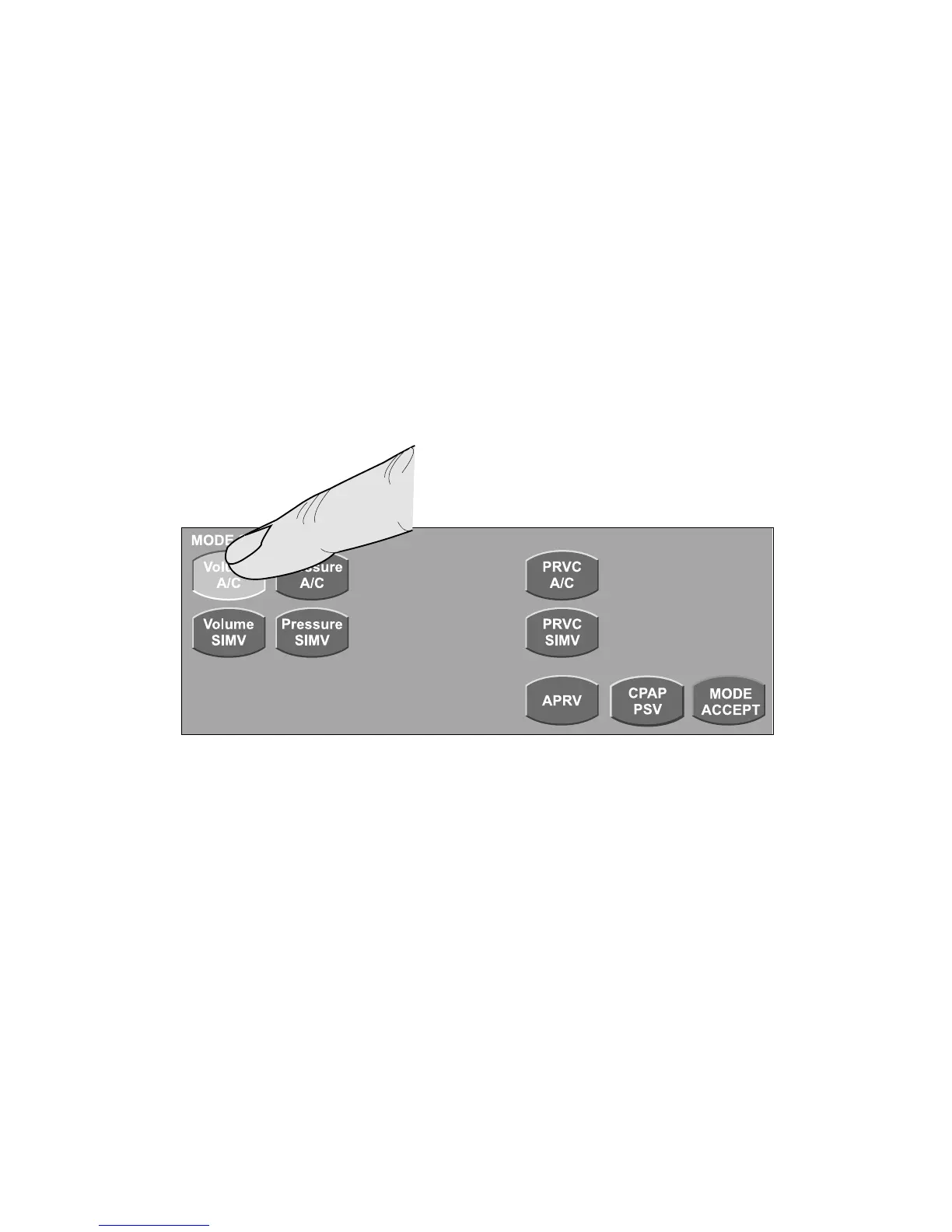
The MODE SELECT screen appears. Select the touch-screen button for the desired mode.
Primary controls for the proposed mode appear at the bottom of the touch screen. Use the
techniques described on page 3 to set these controls. Press MODE ACCEPT to accept the
new mode and primary control settings.
Setting breath type and mode (continued)
Selecting Volume A/C mode



 To Next Page