2
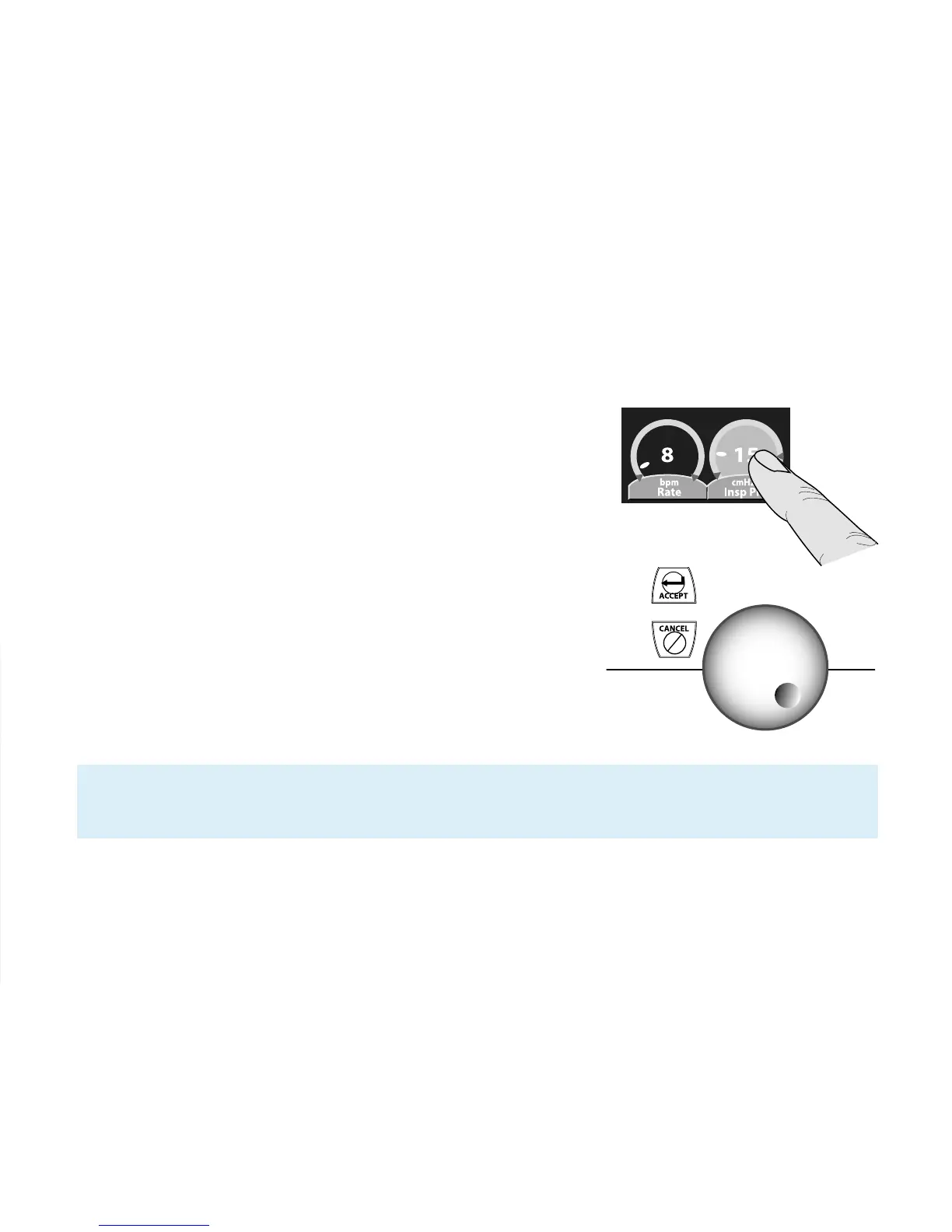
Touch-Turn-Touch™/Touch-Turn-Accept™
techniques
To change most controls on the Avea ventilator:
1. Touch the screen directly over the control to select it.
The control highlights (changes color), indicating that
it is active.
2. Turn the data dial clockwise to increase the selected
value, and turn the dial counter-clockwise to decrease
it. Turning the data dial quickly accelerates the rate
of change from one setting to another. Turning the
data dial slowly gradually changes the setting.
3. Touch the screen directly over the highlighted
control again, or press the ACCEPT membrane
button to the left of the data dial to accept your
new setting.
Note: If you press the CANCEL button or do not actively accept the new setting within
15 seconds, ventilation continues at the previous setting.



 To Next Page